
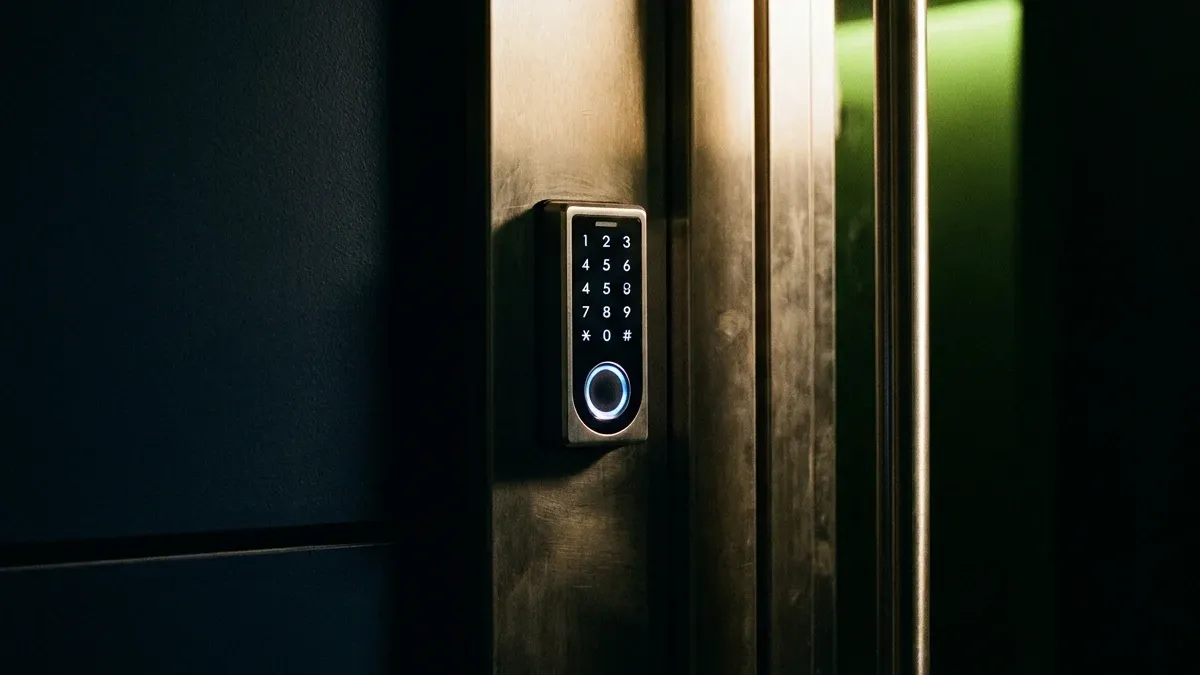
Access control devices are the gatekeepers of your Texas business, determining who can enter which areas, when they can enter, and keeping detailed logs of all access attempts. Whether you're securing a 5-person office in Austin or a 500-employee facility in Houston, choosing the right system matters for security, compliance, and day-to-day operations.
What Is an Access Control Device?
An access control device is an electronic system that grants or denies access to a building, room, or secure area based on credentials. Traditional keys create real problems that Texas business owners deal with regularly. A copied key gives a stranger the same access as your most trusted employee, and you may not know for months. When someone is let go, the only fix is to rekey every lock they had access to. There's no log, no timestamp, and no way to prove who was where when something goes wrong.
Access control changes that entirely. You can revoke a credential the moment an employee leaves, without touching a single lock cylinder. Schedules let you restrict access to business hours automatically. Traditional keys can't do any of that:
- Keys can be copied without authorization
- No record of who entered when
- Can't instantly revoke access (must rekey entire building)
- Lost keys create security risk
Access control gives you a different set of capabilities entirely:
- Grant/revoke access instantly (no rekeying needed)
- Detailed audit trail (who entered where, when)
- Schedule access (employees only during business hours)
- Multi-level security (different access for different roles)
- Integration with time tracking, security cameras, alarms
Access control devices are the gatekeepers of your Texas business, determining who can enter which areas, when they can enter, and keeping detailed logs of all access attempts.
Types of Access Control Devices
1. Card Readers (Proximity/RFID/NFC)
Card readers are the most widely deployed access control technology in Texas commercial buildings. The user experience is frictionless: tap or wave a card, the reader checks credentials against the controller, and the door unlocks in under a second.
The card frequency matters more than most buyers realize. Older 125 kHz proximity cards are fast and cheap but offer no encryption and can be cloned with off-the-shelf hardware. The upgrade to 13.56 MHz smart cards is worth the modest cost difference for businesses handling sensitive data or valuable inventory. NFC-compatible cards open the door to smartphone-based credentials down the road.
Card technology comes in four main types:
- Proximity cards (125 kHz) - Hold card near reader (1-4 inches)
- Smart cards (13.56 MHz) - Higher security, can store more data
- NFC cards - Smartphone-compatible (tap-to-unlock)
- Magnetic stripe cards - Older technology, less secure (swipe required)
Pros and cons:
- Affordable ($2-$10 per card)
- Easy to use (just tap or swipe)
- Durable (cards last 3-5 years)
- Cards can be lost or stolen
- Employees may share cards
Card readers suit office buildings, apartment complexes, gyms, and parking garages across Texas. You'll find them at co-working spaces in Austin (proximity cards for 24/7 member access), Dallas high-rises (smart cards for elevator access control), and Houston apartment complexes (NFC cards for amenity room access).
Cost breakdown per installation:
- Reader: $150-$400 per door
- Controller: $300-$800 (central unit)
- Cards: $2-$10 each
- Software: $500-$2,000 (one-time) or $20-$50/month (cloud-based)
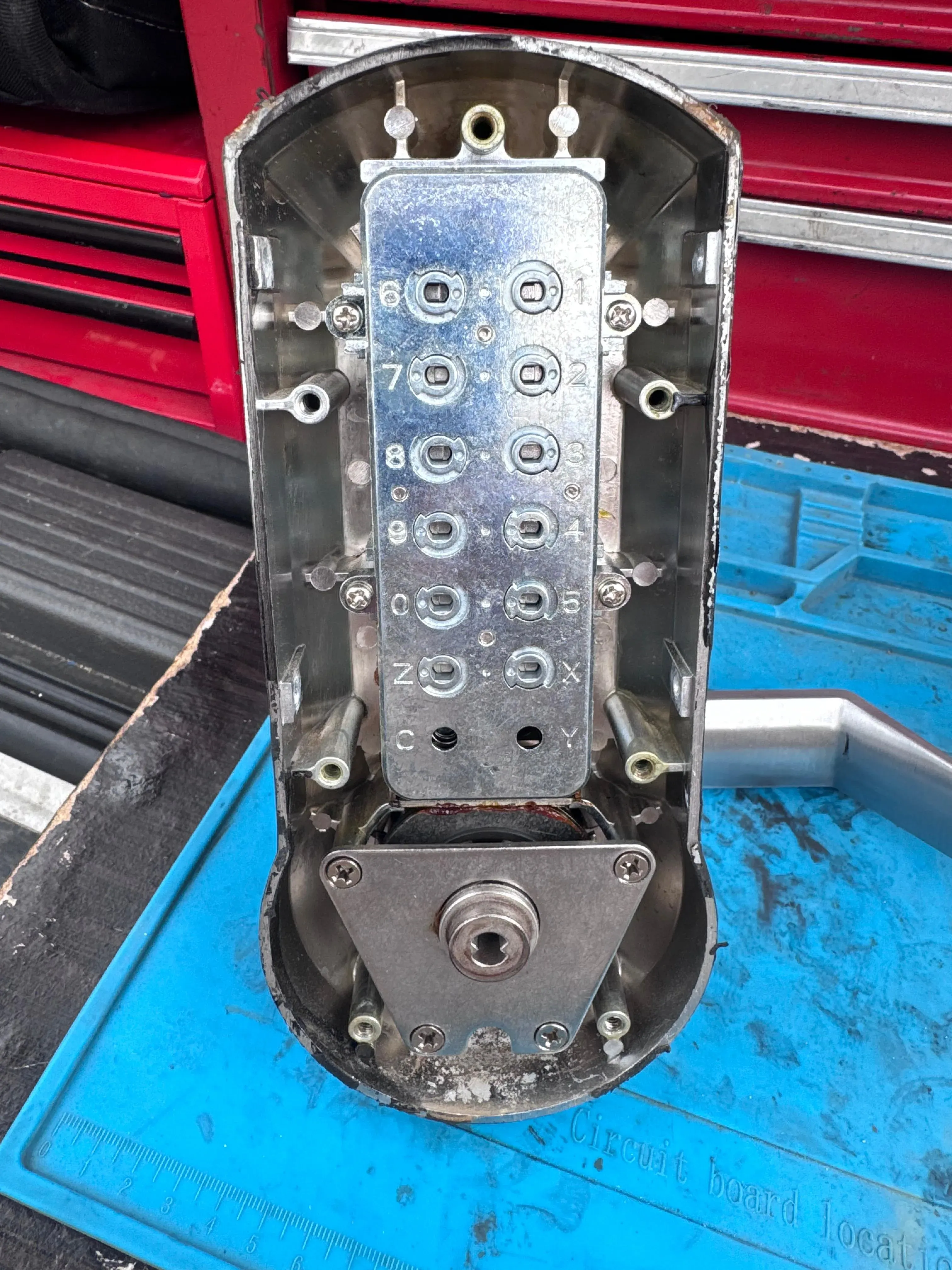
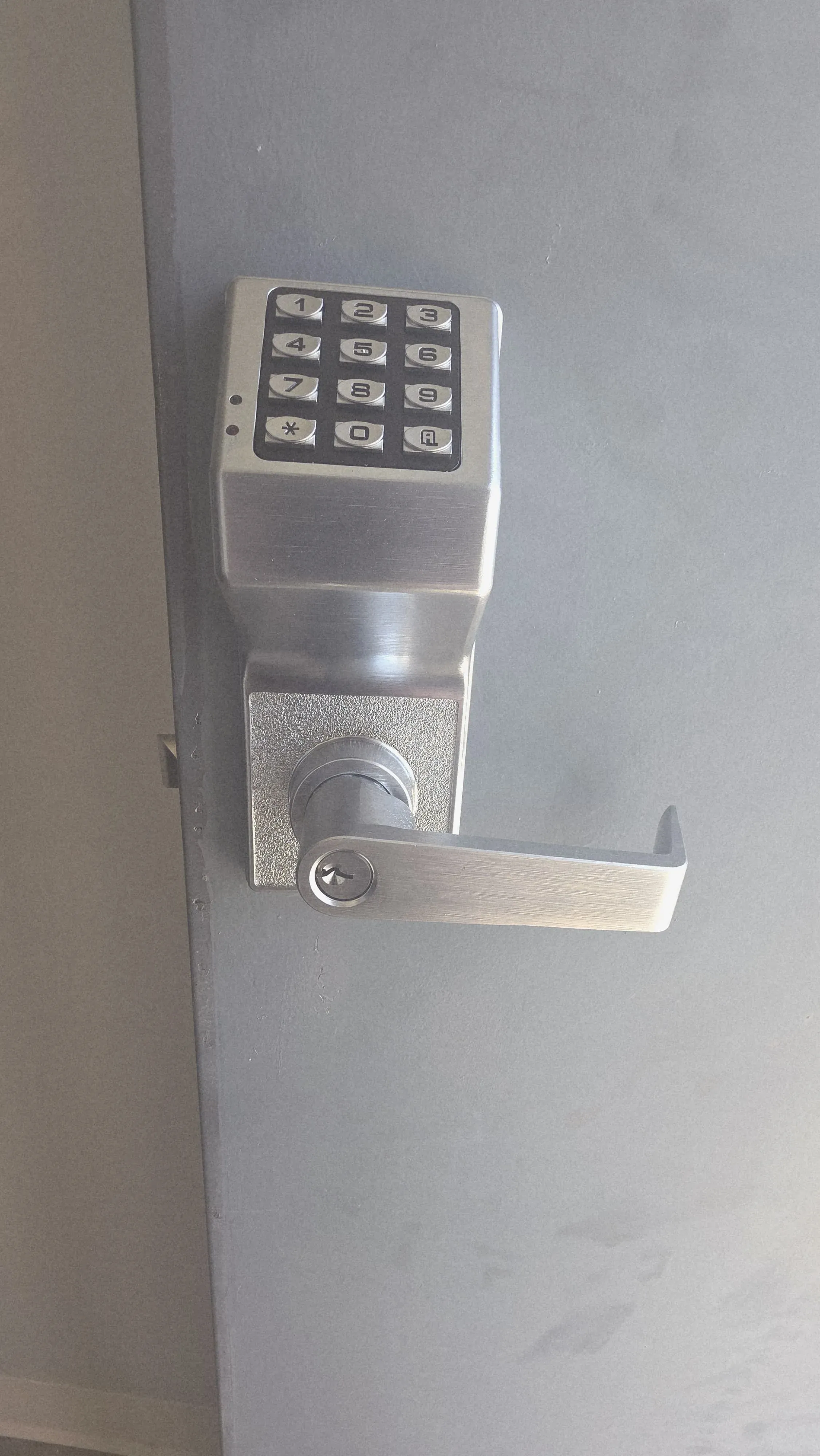
2. Keypad Access Control (PIN Code Entry)
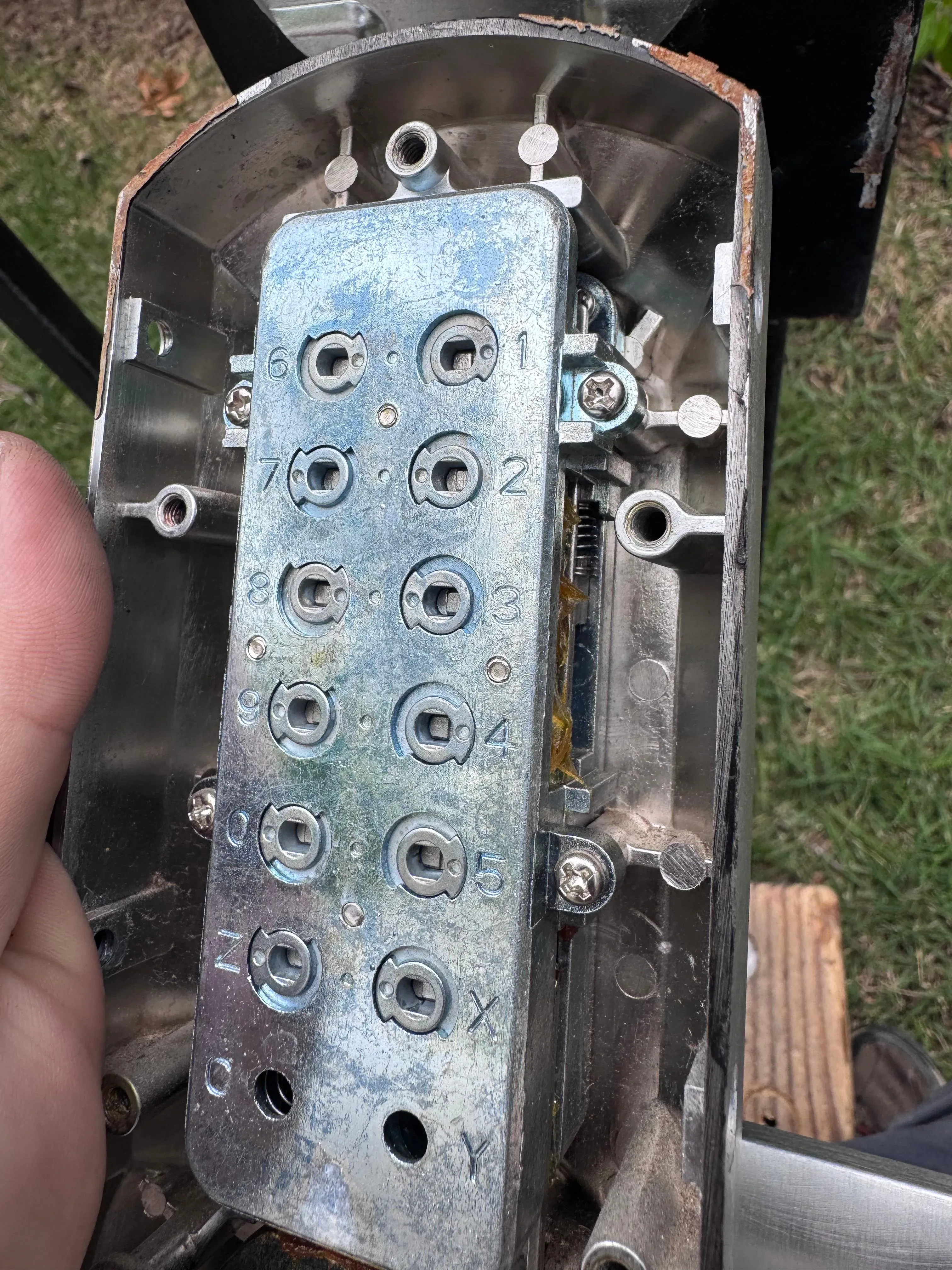
Keypads solve the lost-card problem by replacing physical credentials with something the user knows. For smaller Texas businesses with stable staff, a well-managed PIN system can be both affordable and effective, especially when each employee gets a unique code rather than sharing a single office PIN.
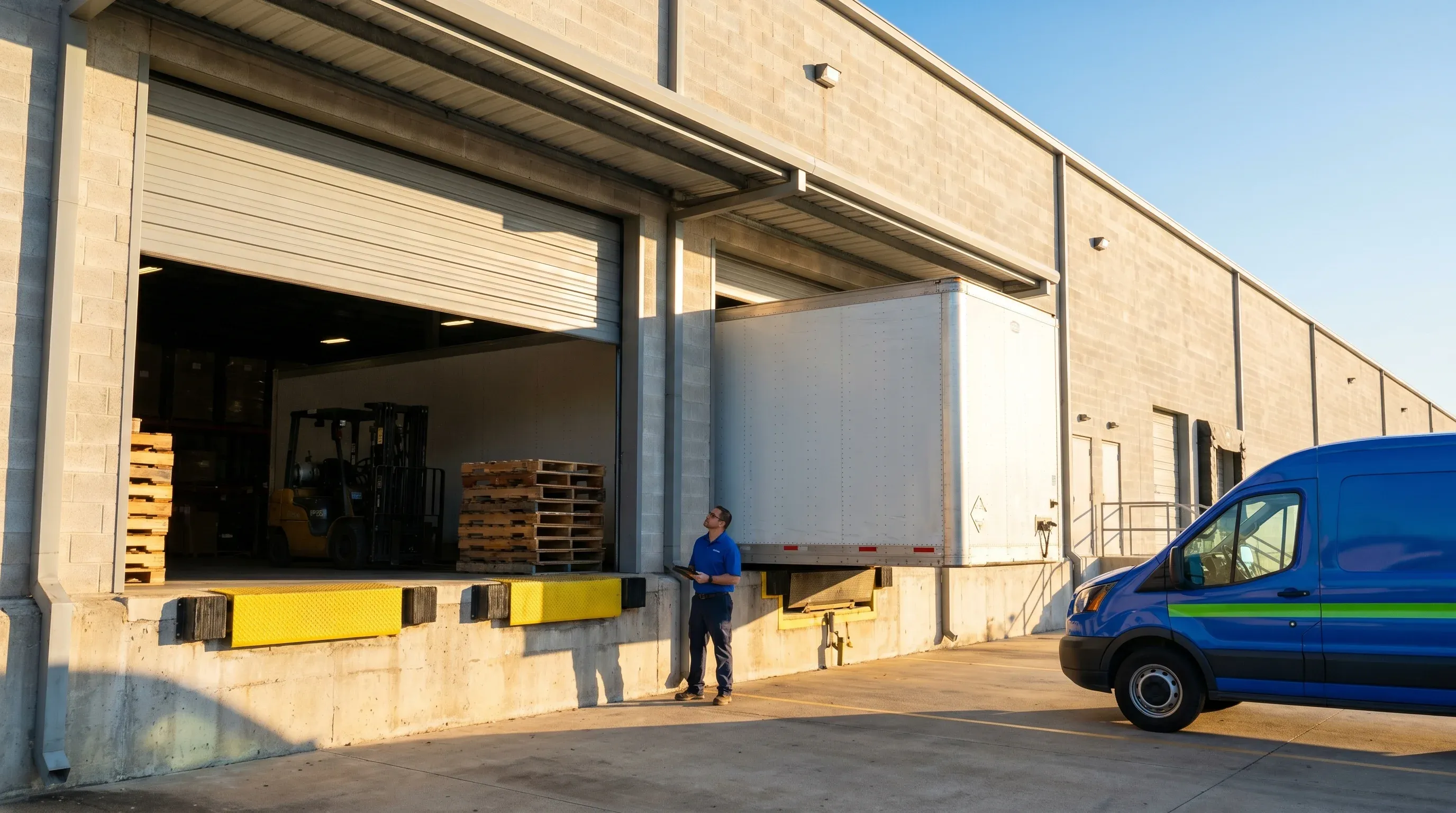
Outdoor durability matters in Texas. A keypad mounted at a warehouse loading dock in San Antonio needs to handle 100-degree summers, occasional hail, and blowing dust. An indoor-rated keypad will fail within a year if mounted outside. Higher-security installations combine the keypad with a card reader for two-factor authentication.
Keypad options:
- Basic keypad - Numeric only (4-6 digit codes)
- Backlit keypad - Illuminated for night use
- Weatherproof keypad - Outdoor use (Texas sun and rain)
- Touchscreen keypad - Modern interface, can display messages
Pros and cons:
- No cards to lose or replace
- Easy to change codes (remotely or on-site)
- Can assign unique codes to each employee
- Codes can be shared or observed
- Must change codes when employees leave
Keypads work best for small offices (5-20 employees), warehouse side doors, server rooms, storage areas, and residential gates. Texas examples: San Antonio medical offices use unique codes per staff for HIPAA compliance, and El Paso manufacturing plants use individual PINs at employee entrances.
Cost breakdown:
- Keypad: $100-$300 per door
- Controller: $200-$600
- Software: $0-$1,000 (basic systems use no software)
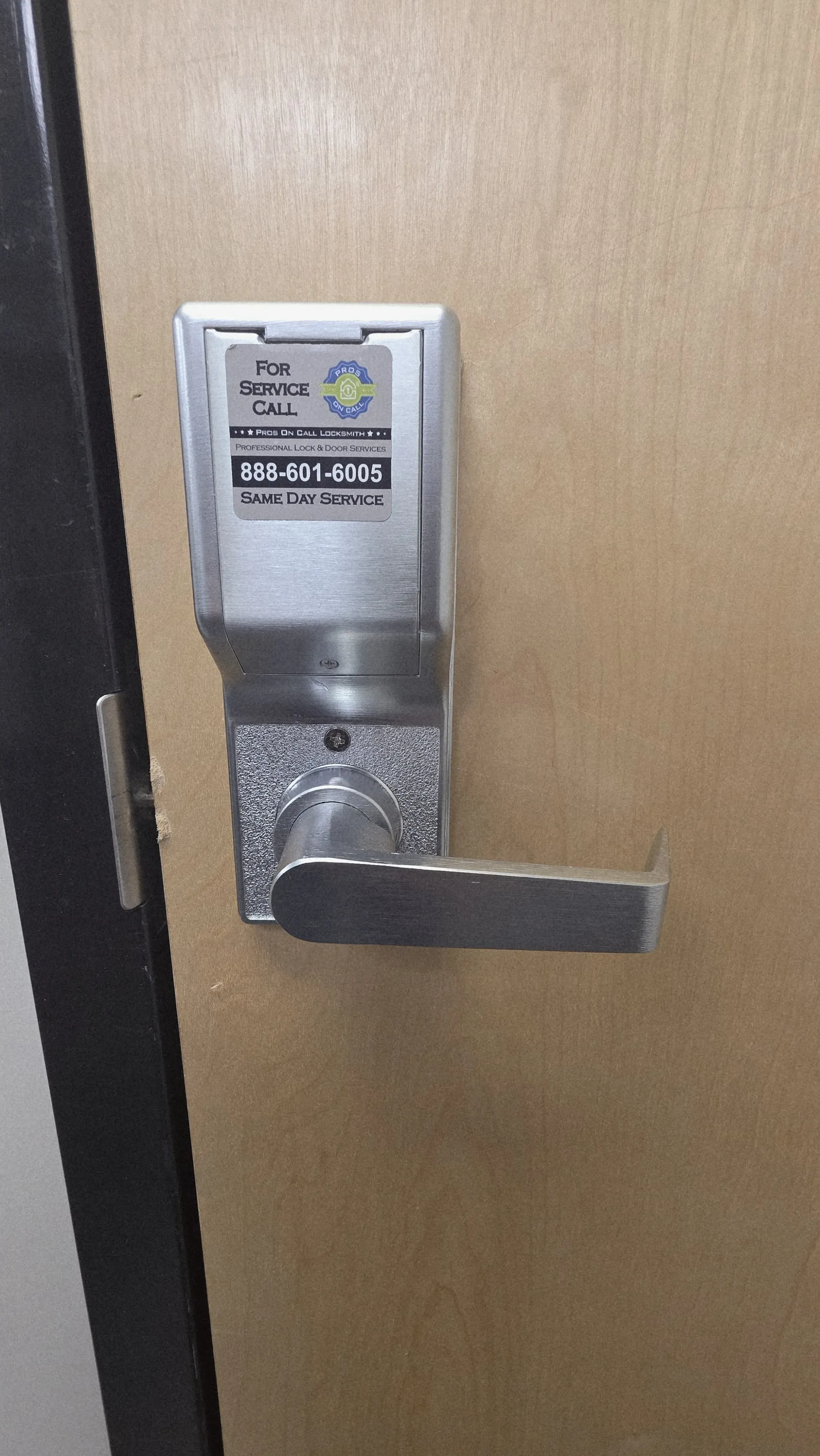
3. Biometric Access Control (Fingerprint/Facial Recognition)
Biometrics are the only access control technology where the credential is literally part of the person. You can't lend your fingerprint to a coworker, and you can't forget it at home. Texas hospitals securing pharmacy access, data centers controlling server room entry, and financial institutions protecting vault areas all rely on biometrics for exactly this reason.
The tradeoff is cost and setup time. Enrolling employees takes longer than handing out cards, and the readers run significantly more expensive than card-based counterparts. Texas also presents a practical challenge: fingerprint readers can struggle with construction workers whose fingertips are calloused, and outdoor facial recognition units need careful placement to avoid performance issues in direct afternoon sunlight.
Four biometric modalities are in active use across Texas installations:
- Fingerprint scanner - Most common, affordable
- Facial recognition - Touchless, works with masks (newer models)
- Iris scanner - Highest security, expensive
- Palm vein scanner - Very secure, contactless
Pros and cons:
- Cannot be lost, stolen, or shared
- Highest security (unique to each person)
- Touchless options (post-COVID preference)
- Most expensive ($500-$2,000 per reader)
- Privacy concerns (employees may resist)
- Can fail in extreme conditions (dirty hands, bright sunlight)
- Slower than card readers (2-5 seconds per scan)
Biometrics belong at high-security facilities, financial institutions, healthcare (controlled substance storage), and government buildings. Texas examples: Houston hospitals use fingerprint readers for pharmacy access, Austin tech companies use facial recognition for server rooms, and Dallas law firms use biometrics for document storage areas.
Cost breakdown:
- Fingerprint reader: $500-$1,200 per door
- Facial recognition: $1,000-$3,000 per door
- Controller: $500-$1,500
- Software: $1,000-$5,000 (enrollment + management)
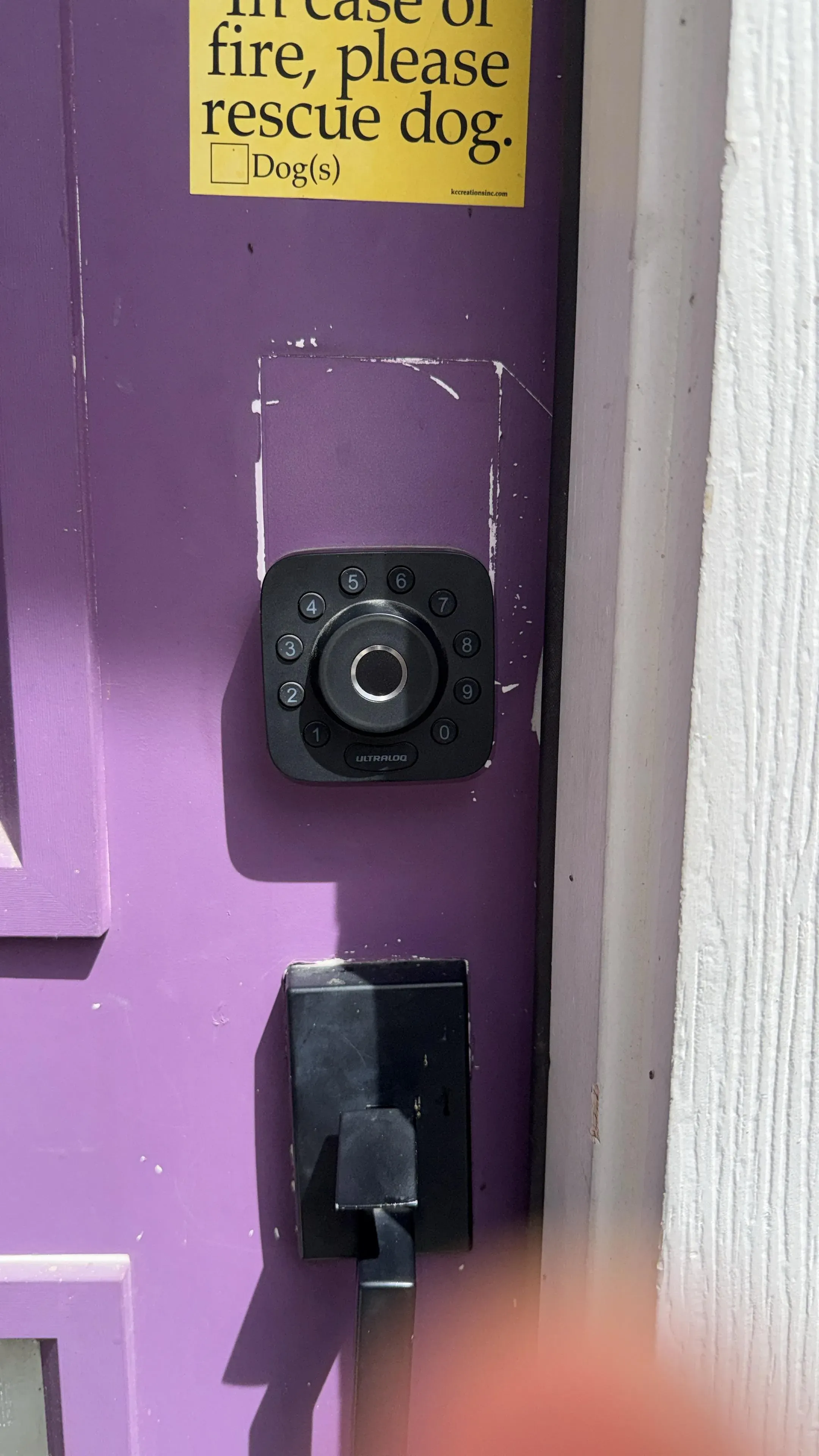
4. Mobile Access Control (Smartphone-Based)
Mobile access provisions credentials directly to the device employees are already carrying. There's no card inventory to manage, no replacement cost when someone loses a badge, and onboarding a new employee takes minutes. The phone communicates with the reader over Bluetooth or NFC, and the door unlocks either on tap or automatically as the user approaches.
The Bluetooth Low Energy auto-unlock feature is genuinely convenient: the phone detects the reader within 10 to 30 feet and unlocks the door as you approach, hands-free. The real vulnerability is battery dependence. A dead phone means no access, so any mobile deployment needs a backup entry method, typically a PIN keypad.
Three communication technologies are used in mobile access installations:
- Bluetooth Low Energy (BLE) - Auto-unlock within 10-30 feet
- NFC - Tap phone to reader (like Apple Pay)
- QR code - Display QR code on phone, scan at reader
Pros and cons:
- No physical cards to manage
- Easy to add/remove users remotely
- Can integrate with employee apps
- Battery-dependent (dead phone = no access)
- More expensive readers ($300-$800)
- Requires mobile app deployment
Mobile access works best for tech companies, co-working spaces, modern office buildings, and multi-tenant commercial properties. Texas examples: Austin startups use BLE auto-unlock for employees, Dallas WeWork locations use mobile apps for member access, and Houston smart buildings use NFC smartphone entry.
Cost breakdown:
- Mobile-enabled reader: $300-$800 per door
- Controller: $400-$1,200
- Mobile app: $500-$2,000 setup + $5-$15/user/month
- Total first-year (50 users): $5,000-$15,000
5. Multi-Factor Access Control (Card + PIN or Card + Biometric)
Multi-factor access control addresses the single biggest vulnerability in any one-credential system: the credential being used by someone other than the person it was issued to. A stolen card is useless if the system also requires a fingerprint. This combination is what compliance frameworks like HIPAA and PCI-DSS point toward when they require strong authentication for sensitive areas.
The inconvenience of a two-step entry matters far less for a pharmacy door or a financial control room than it does for a general office entrance. Common combinations include card + PIN, card + fingerprint, and mobile + PIN.
Pros and cons:
- Highest security (both factors required)
- Prevents card sharing (need PIN or fingerprint too)
- Compliance-friendly (HIPAA, PCI-DSS often require 2FA)
- Slower access (two steps required)
- More expensive (two devices per door)
- Higher training burden for employees
Multi-factor belongs on high-security areas (data centers, evidence storage), compliance-heavy industries (healthcare, finance), and executive suites. Texas examples: San Antonio hospitals use card + fingerprint for pharmacy access, Houston energy companies use card + PIN for control rooms, and Dallas financial institutions use card + iris scan for vaults.
Cost breakdown:
- Card reader + keypad: $300-$700 per door
- Card reader + fingerprint: $600-$1,500 per door
- Controller: $500-$1,500
- Software: $1,000-$5,000
Access Control System Components
Every access control installation relies on the same four building blocks working in sequence.
Every access control installation relies on the same four building blocks working in sequence.
1. Credential (What User Carries)
The credential is whatever the user presents to gain entry: a card, fob, smartphone, PIN code, or biometric. The right credential type depends on your security requirements, your workforce, and how much ongoing credential management you're willing to handle.
2. Reader (What Reads the Credential)
Installed at each controlled door, the reader captures credential data and passes it to the controller. Reader quality and weatherproofing matter significantly for outdoor Texas installations, where sun and heat accelerate hardware failure.
3. Controller (Brain of the System)
The controller compares the credential against its database, decides whether to grant access, sends the unlock signal to the door hardware, and logs the attempt with a timestamp. A well-configured controller is what makes your audit trail accurate and your access schedules reliable.
4. Electric Strike or Magnetic Lock (What Unlocks the Door)
The door-side hardware receives the unlock signal from the controller and physically releases the latch or deadbolt. Three hardware options are standard in Texas commercial installations:
- Electric strike - Releases deadbolt latch ($150-$400)
- Magnetic lock (maglock) - Electromagnet holds door closed ($200-$600)
- Electric deadbolt - Motorized deadbolt ($300-$800)
Most commercial installations also include exit buttons (REX) for unlocking from inside without a credential, door contacts that detect open/closed state, a 12V DC power supply, and a backup battery for operation during power outages.
Access Control Software: Cloud vs. On-Premise
The software choice shapes how you manage your system day-to-day and what it costs over the long run. Cloud-based platforms charge monthly per door, which means lower upfront cost but perpetual fees. On-premise systems require a larger initial investment but no ongoing subscription. For a Texas business with three doors, cloud often wins on simplicity. For a large facility where per-door fees compound into serious annual spend, on-premise starts looking attractive.
Cloud-Based Access Control (Subscription)
Cloud systems connect your controllers to off-site servers, letting you manage users, access schedules, and audit logs through a web browser or mobile app from anywhere. That remote management capability is particularly valuable for Texas businesses with multiple locations.
Popular cloud platforms with current Texas market pricing:
- Brivo - $30-$60/door/month
- Openpath - $40-$80/door/month
- Kisi - $35-$70/door/month
- Avigilon Alta (Openpath) - $40-$85/door/month
Pros and cons:
- Access from anywhere (manage remotely)
- Automatic software updates
- Easy to scale (add doors as needed)
- Monthly fees forever
- Requires internet connection
- Higher long-term cost
On-Premise Access Control (One-Time Purchase)
On-premise systems keep everything local: the controller, the software, and the data. You pay more upfront, but that's the end of it. Companies with IT infrastructure already in place, or those operating in rural Texas where internet reliability is inconsistent, often find the on-premise model simpler to manage over a five- to ten-year window.
Popular on-premise systems installed across Texas:
- Software House C-CURE 9000 - $5,000-$20,000
- Lenel OnGuard - $8,000-$30,000
- HID VertX - $3,000-$15,000
- Honeywell Pro-Watch - $5,000-$25,000
Pros and cons:
- One-time cost (no monthly fees)
- Works without internet
- Complete data control (stored locally)
- High upfront cost
- Requires IT infrastructure (server, network)
- Manual software updates
Texas-Specific Access Control Considerations
Texas presents installation and planning conditions that don't show up in generic access control guides written for temperate climates. Getting these right upfront saves expensive troubleshooting later.
1. Extreme Heat (100°F+ Summers)
Texas summers regularly push outdoor temperatures past 100 degrees, and direct sun on a dark metal reader can drive surface temperatures well above that. Most consumer-grade hardware is rated to around 120 to 130 degrees Fahrenheit, which sounds adequate until you account for a reader mounted on a south-facing brick wall in Dallas in August. Hardware failures, false reads, and battery drain accelerate quickly under those conditions. Specific outdoor reader selections matter for any Texas installation with exterior entry points:
- HID multiCLASS SE RP40 - Rated to 140 degrees F
- Honeywell OP40HON - IP66 weatherproof
- KASTLE KS300 - Texas-tested, heat-resistant
For any outdoor reader in Texas: use weatherproof models rated IP65 or IP66, install sunshades above the reader, run wired power rather than batteries, and choose metal housings over plastic for sun-exposed locations.
2. Hurricane/Tornado Preparedness (Coastal and North Texas)
Power outages during severe weather are when access control systems get tested hardest. Three things need to work: the system must function during power outages, emergency egress must always be available, and the software must allow remote management during an evacuation. Battery backup (UPS or built-in, 4-24 hour runtime), fail-safe locks that unlock when power fails, and a cloud-based management platform all address these requirements.
3. Texas Fire Code and ADA Compliance
Fire code compliance isn't optional, and the penalties go beyond fines. A fire marshal can shut your business down on the spot if access control hardware is blocking egress. The rules require deliberate hardware choices during installation, not retrofits after the fact.
Texas fire code requirements for commercial buildings:
- Fail-safe egress - All doors must unlock during fire alarm
- REX devices required - Exit buttons or motion sensors on interior
- No delayed egress - Doors cannot have electronic delays over 15 seconds (exceptions for hospitals, jails)
ADA compliance requirements:
- Power-operated doors - Required for accessible entrances
- Reader height - 15-48 inches from floor (wheelchair accessible)
- Visual/audio feedback - LED + beep confirms access granted
Non-compliance carries three categories of risk: the fire marshal can shut down the business, ADA lawsuits are common in Texas, and insurance claims can be denied if the system contributed to an incident.
4. Texas Industries with Specific Requirements
Texas has dense concentrations of healthcare, energy, and financial businesses, each with regulatory requirements that directly shape how access control systems must be configured.
Healthcare facilities need HIPAA-compliant access control with audit logs recording who accessed what and when, role-based access that separates doctors, nurses, and administrative staff, and automatic lockout after hours. Financial institutions under PCI-DSS require multi-factor authentication, video integration that records all access attempts, and anti-passback features that prevent card sharing. Manufacturing and warehouse operations need weatherproof readers at loading docks, integration with time-tracking systems, and vehicle access control at gates and barriers.
Access Control Pricing Guide (Texas)
Pricing varies widely based on door count, technology choice, and software platform. The figures below reflect real project costs for Texas installations.
Small Office (1-3 Doors, 5-20 Employees)
Budget system:
- 3x Proximity card readers: $450
- 1x Controller: $400
- 3x Electric strikes: $450
- 20x Proximity cards: $100
- Basic software: $500
- Installation: $1,500
- Total: $3,400
Mid-range system:
- 3x Smart card readers: $900
- 1x Cloud controller: $800
- 3x Maglocks: $900
- 20x Smart cards: $200
- Cloud software (1 year): $600
- Installation: $2,000
- Total: $5,400
Medium Business (5-15 Doors, 50-200 Employees)
Standard system:
- 10x Card readers: $3,000
- 2x Controllers: $1,600
- 10x Electric strikes: $2,000
- 100x Cards: $500
- Cloud software (1 year): $4,800
- Installation: $6,000
- Total: $17,900
Premium system with biometrics:
- 10x Card + fingerprint readers: $10,000
- 3x Controllers: $3,000
- 10x Maglocks: $4,000
- 100x Cards: $500
- On-premise software: $8,000
- Installation: $12,000
- Total: $37,500
Large Enterprise (20+ Doors, 200+ Employees)
Enterprise system:
- 30x Card readers: $9,000
- 5x Controllers: $4,000
- 30x Electric strikes/maglocks: $12,000
- 500x Cards: $2,500
- Enterprise software: $20,000
- Integration (cameras, alarms): $10,000
- Installation: $25,000
- Total: $82,500
Common add-ons for larger installations:
- Video integration: +$5,000-$15,000
- Visitor management: +$2,000-$8,000
- Mobile access: +$3,000-$10,000
- Parking gate control: +$5,000-$20,000
DIY vs. Professional Installation
DIY Access Control (Possible for Small Systems)
Self-installation is genuinely feasible for small, cloud-based systems with Power over Ethernet readers, where the wiring is relatively forgiving and configuration happens through a browser. A technically capable owner-operator who understands basic networking and is comfortable running low-voltage wire can handle this, with typical savings of $1,000 to $3,000. What you can't DIY away is the fire code exposure. An incorrectly installed door strike that doesn't release during a fire alarm is a liability, and professional installation cost is insurance as much as it is a service.
DIY-friendly platforms include PDK (plug-and-play, cloud-based), Kisi (mobile-first, easy setup), and Openpath (pre-wired panels, simple installation). Risks include improper wiring (fire hazard), fire code violations from egress issues, and warranty void if self-installed.
Professional Installation (Recommended)
A licensed installer brings more than labor. They know Texas fire code compliance requirements, can properly prepare doors for strike and maglock hardware, handle network integration with your existing infrastructure, and protect your warranty. Professional installation runs $150-$300 per door for labor, plus $500-$2,000 for system setup and programming.
Texas-licensed installers are legally required for fire alarm integration, commercial buildings with over 10 occupants, healthcare facilities, and any system tied to life safety.
Best Practices for Access Control in Texas
1. Role-Based Access Control (RBAC)
The most common access control mistake Texas businesses make isn't a hardware choice, it's a configuration choice: giving everyone the same access level because it's simpler to set up. Role-based access control means each employee has exactly the access their job requires, nothing more. A typical structure for a Texas commercial office:
- Level 1 (Employee) - Front door, office areas
- Level 2 (Manager) - Above + conference rooms, storage
- Level 3 (Executive) - Above + server room, executive suite
- Level 4 (IT Admin) - All areas + system configuration
2. Time-Based Access Schedules
Schedules enforce access restrictions automatically, without relying on anyone to remember. A cleaning crew that should only be in the building on certain evenings gets exactly that access, and when their schedule ends, the system locks them out. A sensible structure for a Texas office: employees (Monday-Friday 6am-8pm), cleaning crew (Monday/Wednesday/Friday 7pm-11pm), and an after-hours emergency protocol that notifies security via text.
3. Audit Log Monitoring
An audit log is only valuable if someone looks at it. The patterns that matter most are in the failures and anomalies, not the successful access events. Setting up alerts means you're notified of a problem within minutes rather than discovering it during a post-incident review. Key patterns to watch:
- Failed access attempts (3+ failures = investigate)
- After-hours access (unusual patterns)
- Shared cards (same card used at two doors within 30 seconds)
- Propped doors (door held open over 5 minutes)
4. Regular Credential Management
Credentials accumulate. Former employees whose cards were never deactivated, vendor badges issued for a one-time project, PIN codes that haven't changed since installation. A quarterly audit typically surfaces a surprising number of entries that should have been removed months ago. Deactivate cards immediately when an employee leaves, audit active credentials quarterly, change master PIN codes annually, and replace worn cards proactively.
5. Integration with Other Systems
Access control data becomes considerably more useful when it connects to other systems. A door access event that triggers a corresponding camera recording gives you visual confirmation of who was there. Access control tied to your intrusion alarm means the system arms automatically when the last authorized person leaves. Time-tracking integration means the access card serves double duty as a clock-in/clock-out device. Useful integrations include video surveillance, intrusion alarms, time tracking, and visitor management platforms.
Common Access Control Mistakes in Texas
Even well-funded installations run into the same preventable problems. These are the ones we see most often on Texas commercial jobs.
Undersizing the system is the most expensive mistake to fix after the fact. Buying a 10-door controller for a building that needs 15 doors means a full controller replacement when you expand. Plan for growth and buy a controller that supports 20-30 doors from the start.
Ignoring fire code creates immediate legal exposure. Fail-secure locks that stay locked during a fire alarm are not compliant in Texas. Use fail-safe locks that unlock when the fire alarm trips.
Poor reader placement in direct Texas sunlight degrades performance and shortens hardware life dramatically. Use sunshades or recessed readers for any south-facing or west-facing outdoor installation.
Relying on a cloud system with no internet backup means your doors may not function during an outage. Cellular failover or a hybrid cloud/local system protects against this.
Leaving the default admin password unchanged ("admin/admin" is factory default on many systems) is a genuine security failure. Change it immediately on installation and use a complex password.
Need Access Control Installation in Texas?
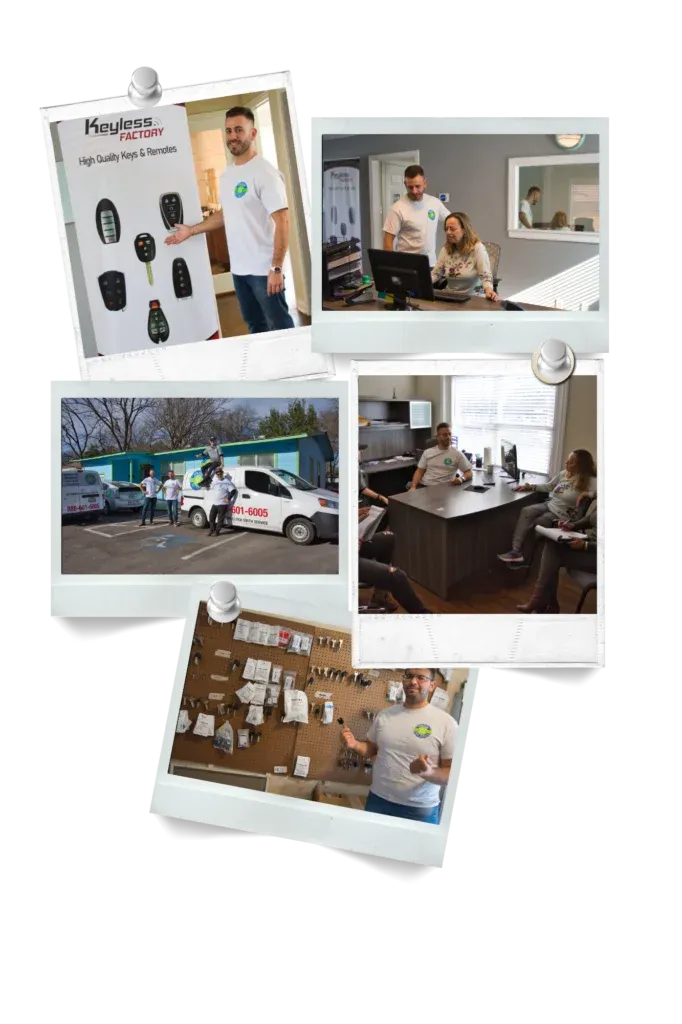
Pros On Call is a licensed Texas locksmith and access control installer serving businesses across the state (License #B19847). We handle system design through commissioning, including card readers, keypads, biometrics, door hardware, software setup, and integration with cameras and alarms. Call us at (888) 601-6005 for a free consultation.
We install Brivo (cloud-based), HID VertX (on-premise), PDK (hybrid cloud/local), and custom solutions for facilities with unique requirements. Common Texas project ranges:
- Small office (3 doors, 15 employees): $3,500-$6,000
- Medical office (HIPAA compliance): $8,000-$15,000
- Warehouse (10 doors, 100 employees): $15,000-$30,000
- Multi-tenant building (30 doors, elevator control): $50,000-$100,000
Service areas include Austin, San Antonio, Houston, Dallas, Fort Worth, El Paso, Arlington, Corpus Christi, Plano, and all major Texas metro areas.
Last updated: December 2025 | Pricing accurate for 2025 systems. GSC data: 5 clicks and 2,014 impressions over 16 months. Content strategy and SEO by Optymizer.