
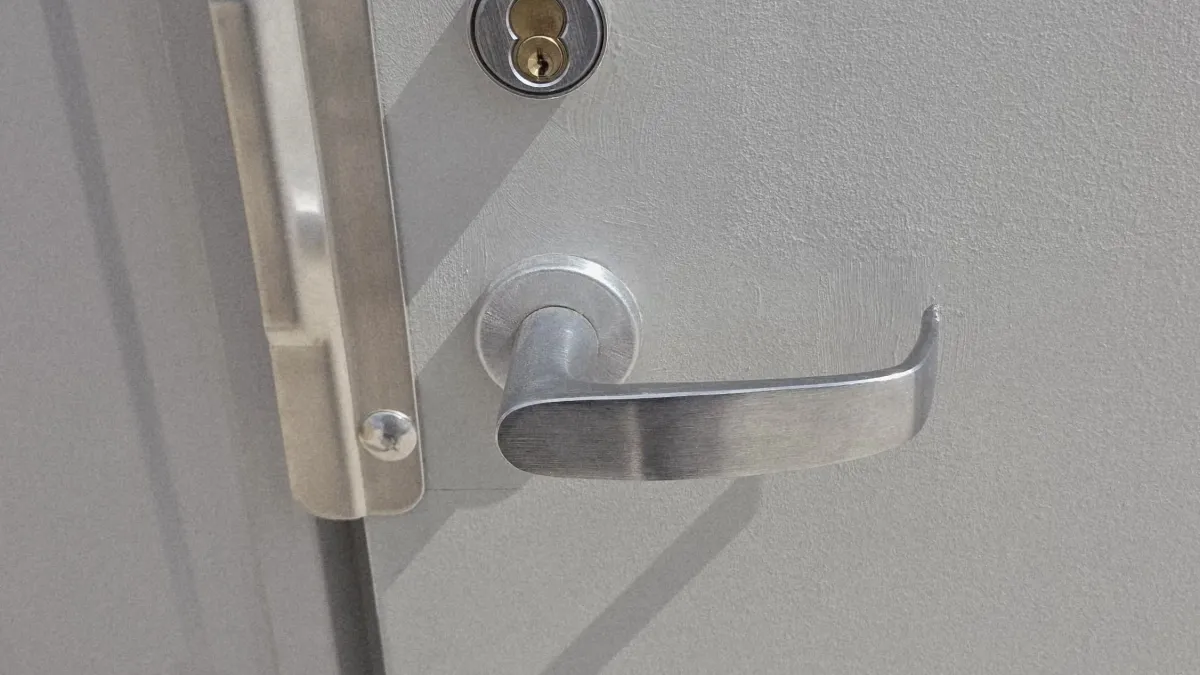
Being locked out of your office or commercial building is more than an inconvenience, it's lost revenue, missed meetings, and stranded employees. In Texas, where businesses operate on tight schedules and client expectations run high, a lockout can cost $500-$2,000 per hour in lost productivity.
This guide covers exactly what to do when you're locked out of your business, how to prevent future lockouts, and what to expect from professional commercial locksmith services in Texas.
Common Causes of Business Lockouts in Texas
Office lockouts follow predictable patterns, and knowing those patterns matters because the cause shapes your options. A jammed cylinder calls for a different fix than a dead keypad battery, and lost keys demand a different response than a terminated employee who never returned the fob. The Texas climate adds its own wrinkle - heat expansion, hurricane disruptions, and high-turnover service industries make lockouts more common here than in most other states.
The five main causes, roughly ranked by how often we see them:
-
Lost or stolen keys
- Employee loses key fob or keycard
- Keys left inside during closing
- Stolen from purse, bag, or desk
-
Malfunctioning access control
- Keypad battery dies
- Card reader stops working
- Smart lock loses connection
- Power outage disables electronic locks
-
Employee turnover
- Former employee has only copy
- Keys not returned after termination
- Access codes not changed
-
Lock damage or jamming
- Key breaks off in lock
- Lock cylinder jams from wear
- Deadbolt mechanism fails
- Vandalism or attempted break-in
-
After-hours emergencies
- Need to retrieve urgent files
- Server emergency requires access
- Client emergency demands immediate entry
- Security system malfunction
Texas adds a few factors that push these numbers higher than you'd see in cooler climates. The 100°F+ summers cause metal lock components to expand and bind. High-turnover industries like retail and hospitality mean key control is a constant battle. Large multi-tenant office complexes spread access responsibility across property managers and building security rather than a single keyholder. And the state's large 24/7 industries - healthcare, oil and gas, logistics - mean lockouts at 2 a.m. are a real business risk, not a rare edge case.
Immediate Steps: What to Do Right Now
Step 1: Assess the Situation (2 minutes)
The first two minutes after you realize you're locked out determine how much this costs you. Your main question is whether you have a true emergency or a serious inconvenience - because the answer changes what you do next. A client arriving in ten minutes or payroll running in an hour means you call a locksmith immediately. Locked out at 6 p.m. with no one waiting is a different situation.
Run through these questions fast:
- Is this an emergency? (meeting with client in 10 minutes, payroll deadline, etc.)
- Do I have backup access? (other entrance, property manager, spare key)
- Is anyone else available? (other employees with keys, building security)
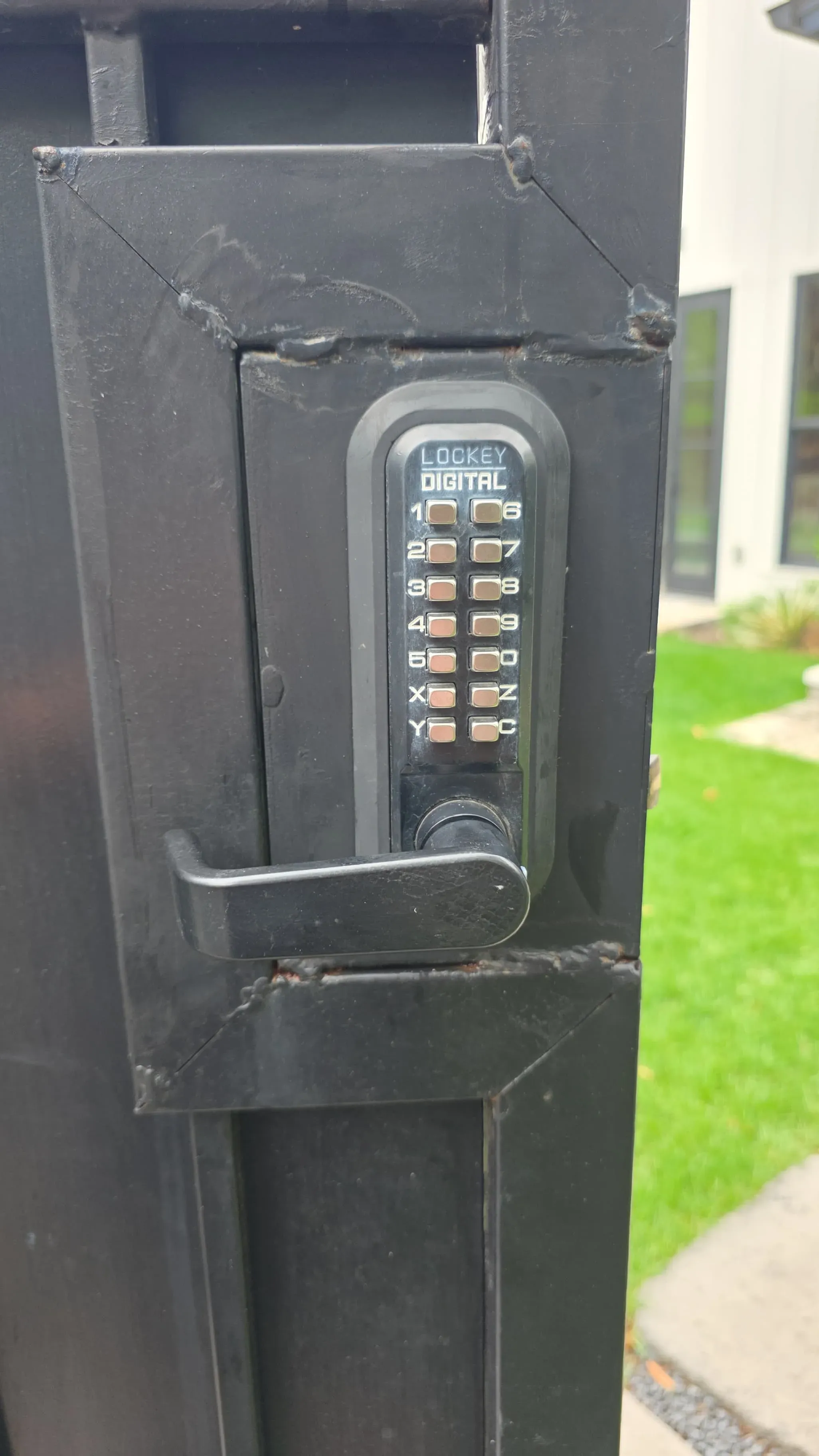
- What type of lock? (traditional deadbolt, keypad, card reader, smart lock)
Some situations call for an immediate locksmith call with no wasted time checking alternatives:
- Time-sensitive meeting or deadline
- Employees locked out (losing wages)
- Customers waiting outside
- Perishable inventory at risk
- Security concern (broken lock from attempted break-in)
When the situation is less urgent, you may have workable alternatives worth checking first:
- After-hours lockout with no urgent need
- Spare key available but takes 30+ minutes to retrieve
- Can reschedule appointments
Step 2: Check for Backup Access (5 minutes)
Before you call a locksmith, spend five minutes on the options that cost nothing. Commercial buildings almost always have more access points than the main front door, and property management may be able to let you in for free. Most businesses also have informal backup arrangements they forget about until they need them. Check these in order, because the first one that works saves you the service call fee.
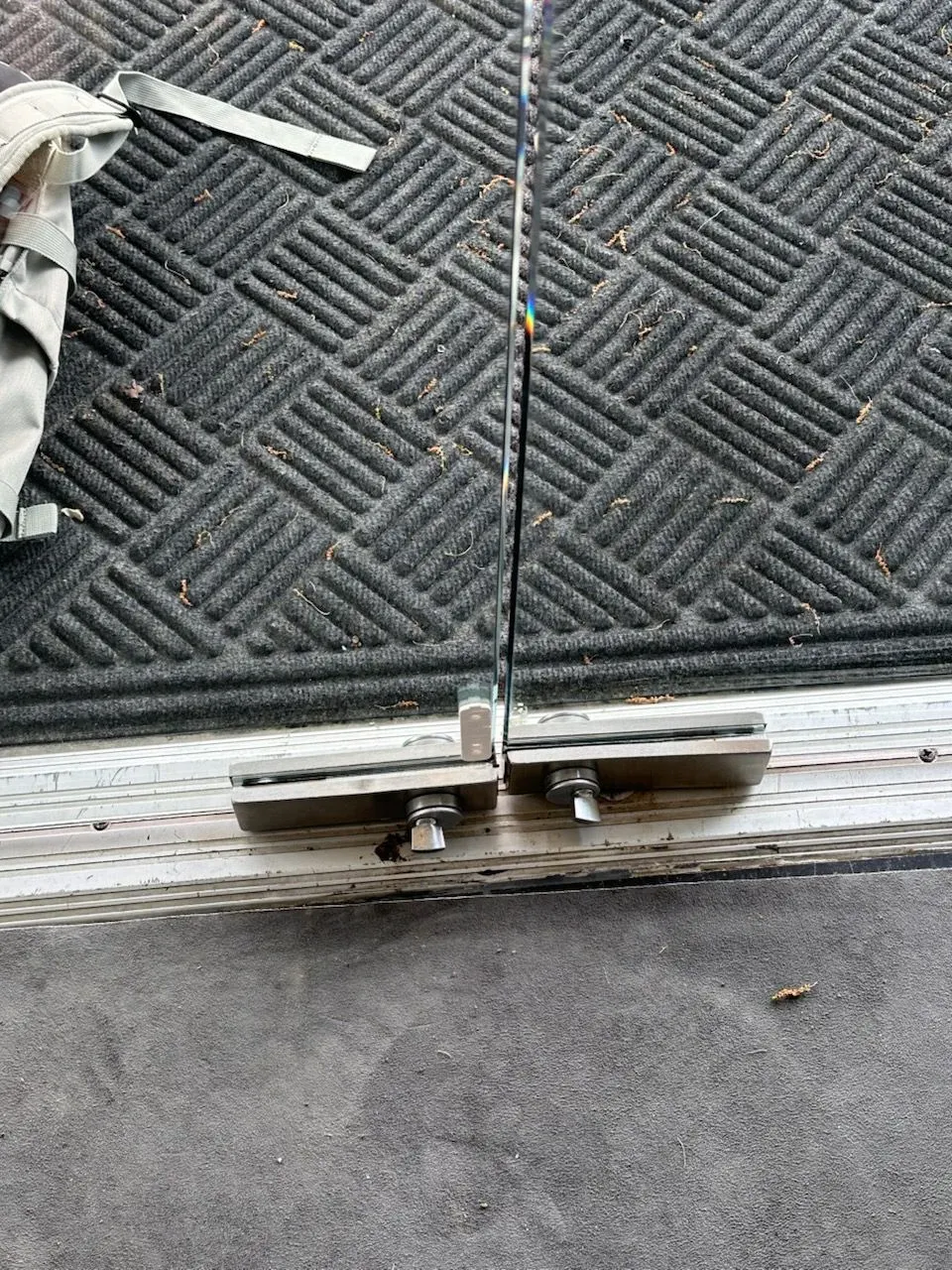
Start with the building itself. Back doors, side doors, loading docks, connected lobbies, and garage or service entrances are often unlocked when the main entrance is not. If those fail, go to building management - property managers carry master keys for office buildings and retail centers, security desks can grant access in high-rise buildings, and landlords typically have emergency contacts for smaller commercial properties.
If the building staff can't help, call other employees: a manager with a key, the person who opened that morning, or in a true emergency, a former employee who still has credentials. Finally, check known spare key locations: the office manager's desk, a lockbox on-site if you remember the combination, or a trusted neighboring business you have a reciprocal arrangement with.
Texas commercial property tip: Most office buildings in Houston, Dallas, Austin, and San Antonio have 24/7 property management or security. Call building management FIRST before hiring a locksmith, they may provide free access.
Step 3: Call a Licensed Commercial Locksmith
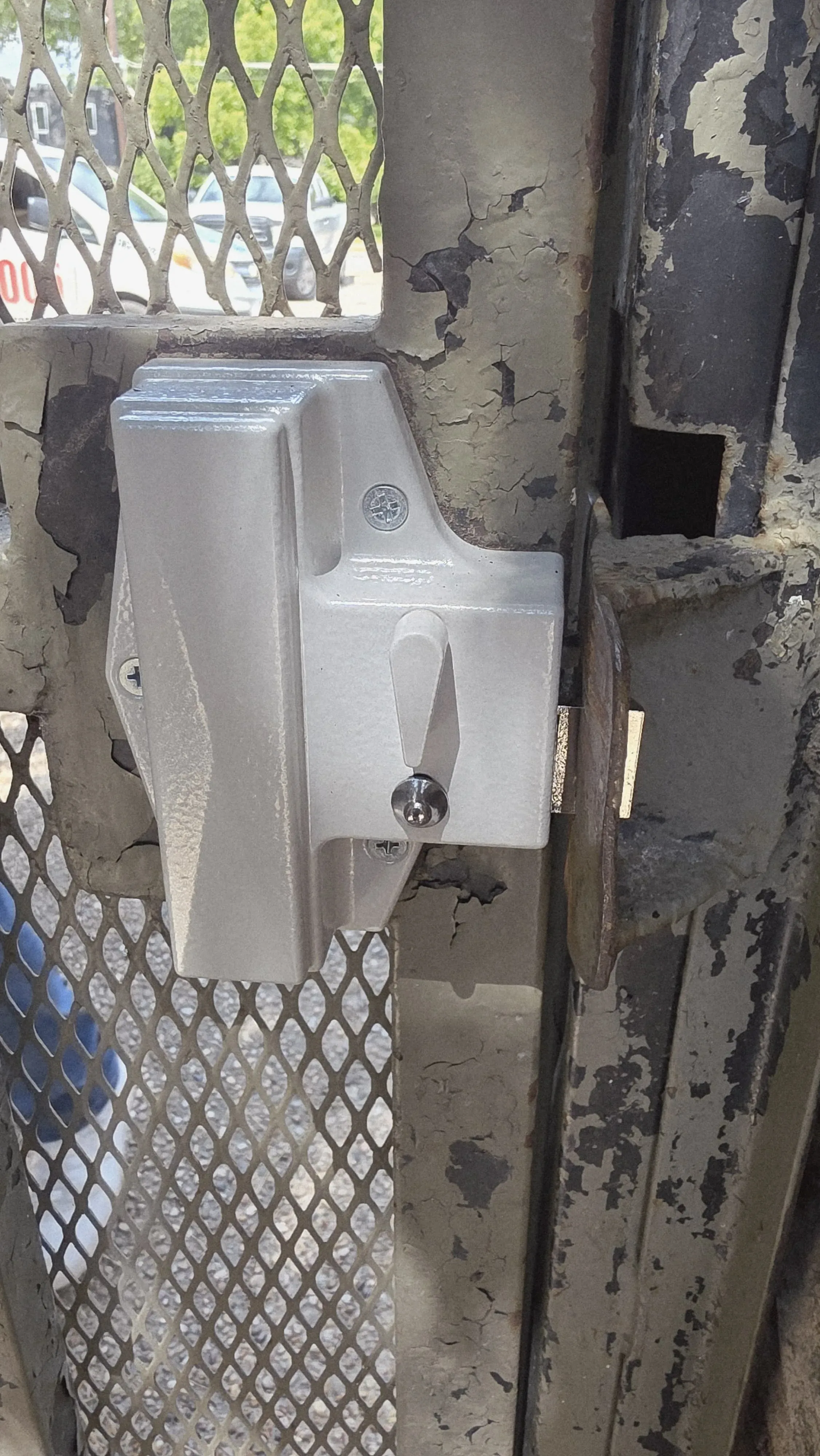
If backup access fails, the right move is an immediate call to a licensed commercial locksmith. In Texas, all locksmith companies must be licensed through the Department of Public Safety, and that license number is public - you can verify it before anyone shows up at your door. What you ask on the phone also protects you: price transparency and credential confirmation before they arrive prevent the most common scam scenarios.
Ask these four things on every call. First, licensing: "Are you licensed by the Texas Department of Public Safety?" and "What's your locksmith company license number?" You can verify the number at the Texas DPS website. Also confirm they carry commercial liability insurance.
Second, pricing: ask for the service call fee (expect $50-$100), the total cost to unlock a commercial door (expect $100-$250), whether there are after-hours fees (expect 50-100% surcharge), and whether electronic locks or access control systems cost extra (expect $150-$300).
Third, response time: "How soon can you arrive?" should get a real number - 15 to 30 minutes in metro areas, 45 to 90 minutes in rural areas. Ask if they'll call when they're ten minutes out.
Fourth, non-destructive entry: "Can you unlock without drilling?" The answer for most commercial locks is yes. If drilling is a possibility, get the replacement cost upfront - expect $150-$400 depending on the lock grade.
If you get any of these responses during the call, hang up and call someone else:
- Won't provide DPS license number
- Refuses to give price estimate
- Says "we'll know when we get there"
- Asks for payment before arriving
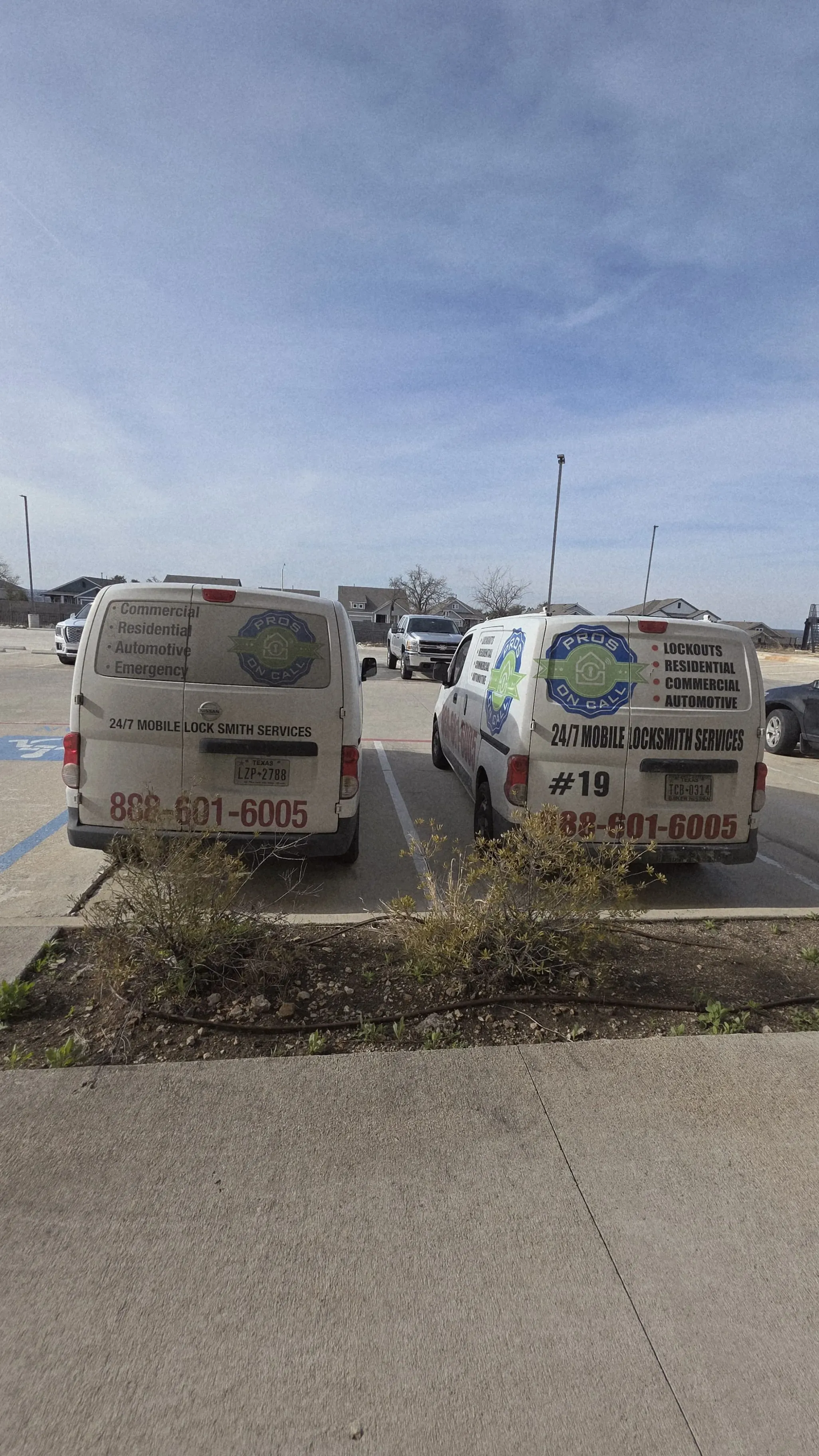
- Unmarked vehicle or no business name
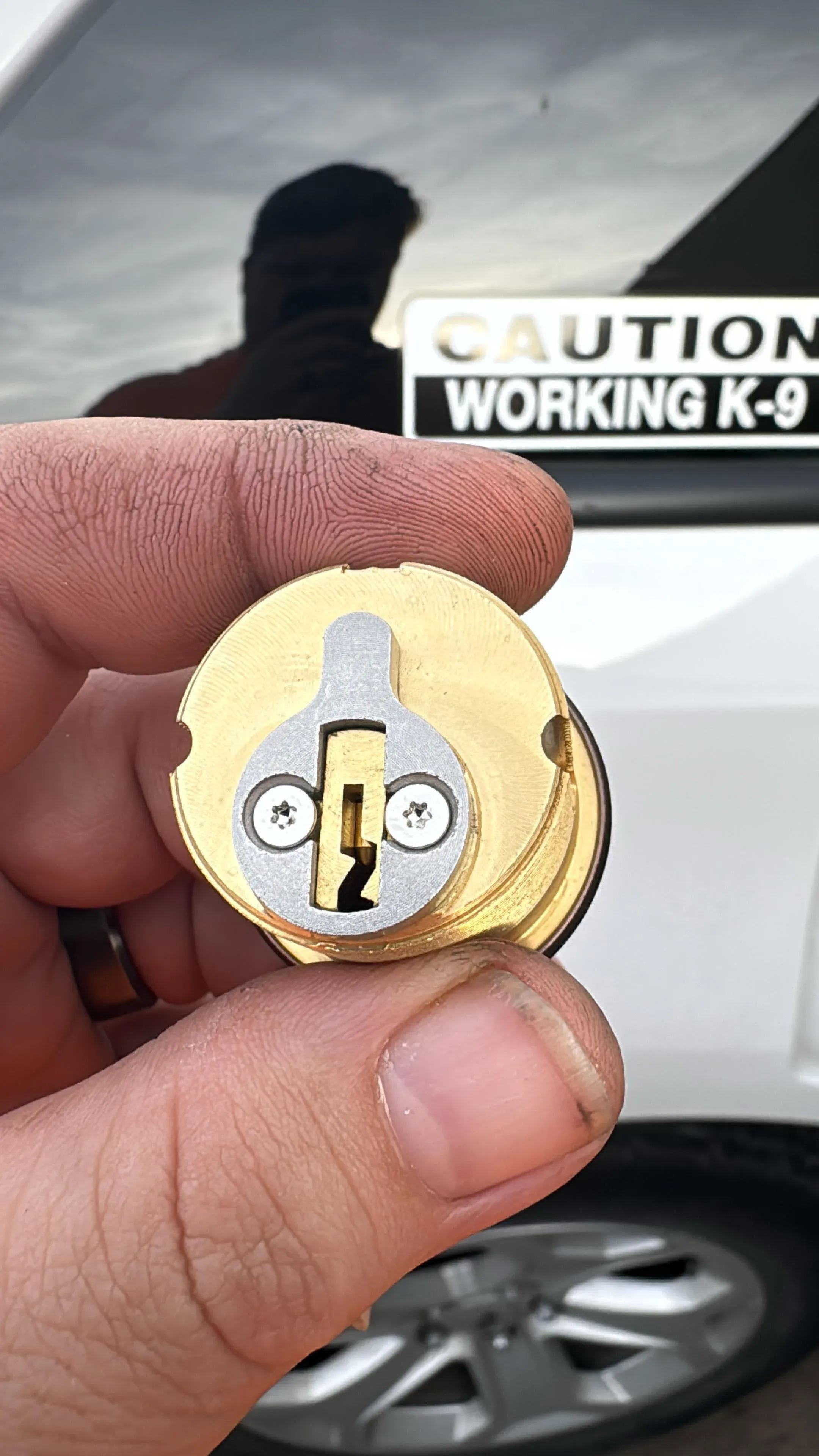
Step 4: While Waiting for the Locksmith (10-30 minutes)
The wait between your call and the locksmith's arrival is genuine working time. Most metro Texas response times run 15 to 30 minutes - that's enough to handle the notifications that prevent a lockout from becoming a reputational problem, and to do the prep work that makes the locksmith's job faster once they arrive.
Start with notifications: email clients about the delay, text employees about the access situation, reschedule any meetings, and update your voicemail with a temporary message. These steps preserve the relationship and keep no one guessing.
While that's done, document the situation. Take a photo of the lock and door, write down what happened, and check whether your business policy covers locksmith costs - some commercial property and business interruption policies do. Hold onto the receipt either way; it's a deductible business expense.
Then prep for the technician's arrival. Clear the area around the door, have business ID ready to confirm you're authorized to request entry, and identify who will supervise the work. Use whatever time remains to write down the prevention steps you'll take once you're back inside - spare keys ordered, a rekey scheduled, an upgrade to keyless entry - so the lockout actually leads to a permanent fix rather than just another close call.
What to Expect from Commercial Locksmith Services
Knowing what happens during a service call lets you set accurate expectations with employees and clients, and it helps you verify that the technician is doing the job correctly. A licensed commercial locksmith follows a predictable sequence: identity verification before any work, assessment before any entry attempt, and a clear recommendation for what to do after the door is open.
Being locked out of your office or commercial building is more than an inconvenience, it's lost revenue, missed meetings, and stranded employees.
Typical Service Process (30-60 minutes total)
A standard commercial lockout service call runs 30 to 60 minutes from arrival to a working lock. The actual entry step is usually the fastest part - non-destructive picking or bypass on a typical office deadbolt takes 10 to 30 minutes. What adds time is the verification at the start (a licensed technician always confirms you're authorized before touching anything) and the rekey or replacement at the end if the reason for the lockout means your current keys are no longer trustworthy.
TYPICAL SERVICE PROCESS
Arrival and verification (5 minutes)
Locksmith arrives in marked vehicle
Lock assessment (5 minutes)
Examines lock type and condition
Non-destructive entry attempt (10-30 minutes)
Traditional locks: Picking, bumping, or shimming ($100-$150)
Drilling (if necessary) (15-30 minutes)
Only if non-destructive entry fails
Lock replacement or rekey (20-40 minutes)
If keys were lost/stolen, rekey recommended ($50-$100 per lock)
Testing and cleanup (5 minutes)
Tests new lock multiple times
Pricing Guide for Texas Commercial Lockouts
Texas commercial lockout pricing has two parts: the service call fee (which covers the technician's travel and is charged regardless of outcome) and the work fee (which depends on the lock type and what's required to open it). After-hours calls carry a surcharge, and electronic or high-security locks cost more to work on than standard deadbolts. The table below gives the full range you should expect before anyone arrives.
| Service | Cost Range | When Needed |
|---|---|---|
| Service call fee | $50-$100 | Always (covers travel) |
| Non-destructive unlock | $75-$150 | Standard office door |
| Electronic lock unlock | $100-$200 | Keypad, card reader, smart lock |
| Drilling + replacement | $150-$400 | Lock damaged or high-security |
| Rekey commercial lock | $50-$100 | Keys lost or stolen |
| After-hours premium | +50-100% | Nights, weekends, holidays |
| Total typical cost | $150-$300 | Standard business lockout |
Texas metro pricing varies by demand and drive time. Houston, Dallas, and Austin tend to run on the higher end ($175-$300 total) because demand is dense and technicians have more calls to choose from. San Antonio, Fort Worth, and El Paso typically run $150-$250, while smaller cities often come in at $100-$200 with the trade-off of longer response windows.
Insurance coverage: Some commercial property or business interruption insurance covers locksmith costs. Check your policy or ask your insurer.
Business Lockout Prevention Strategies
Prevention is the only lockout solution that costs nothing at 7 a.m. when you're standing outside your own building. Most Texas businesses cycle through the same failure modes - lost keys, departing employees who never returned access credentials, locks that quietly degraded until they finally jammed in the heat. Each level below addresses those failure modes in order of cost and complexity.
Prevention is the only lockout solution that costs nothing at 7 a.m. when you're standing outside your own building.
Level 1: Key Management System ($50-$200)
Physical key control sounds basic, but the majority of lockouts trace back to undocumented key assignments. When nobody has a clear record of who holds what key, a single employee resignation or termination creates real uncertainty about whether your locks are still secure. A simple tracking system and a structured hierarchy fixes this without spending anything on new hardware.
Start with a written key assignment policy. Track every key issued in a spreadsheet or key management app, require a signed receipt form, and assign access by job role rather than individual preference. Review the list quarterly and revoke access that's no longer needed - most businesses are surprised by how many former employees technically still have credentials when they do this audit for the first time.
Layer that with a clear hierarchy: the master key stays with the owner or GM and opens everything; manager keys cover exterior doors plus offices and storage; employee keys cover exterior entry only. Spare keys belong in a locked location, not in a desk drawer. A wall-mounted combination lockbox ($30-$80) with a spare exterior key works well - only managers should know the combination, and it should be changed quarterly or whenever a manager leaves.
Color-coded key caps finish the system. Assign a color to each door (front door blue, back door red, office green), and key management becomes something your staff can actually see and use rather than a policy document nobody reads.
Cost: $50-$200 for key tags, lockbox, and tracking system
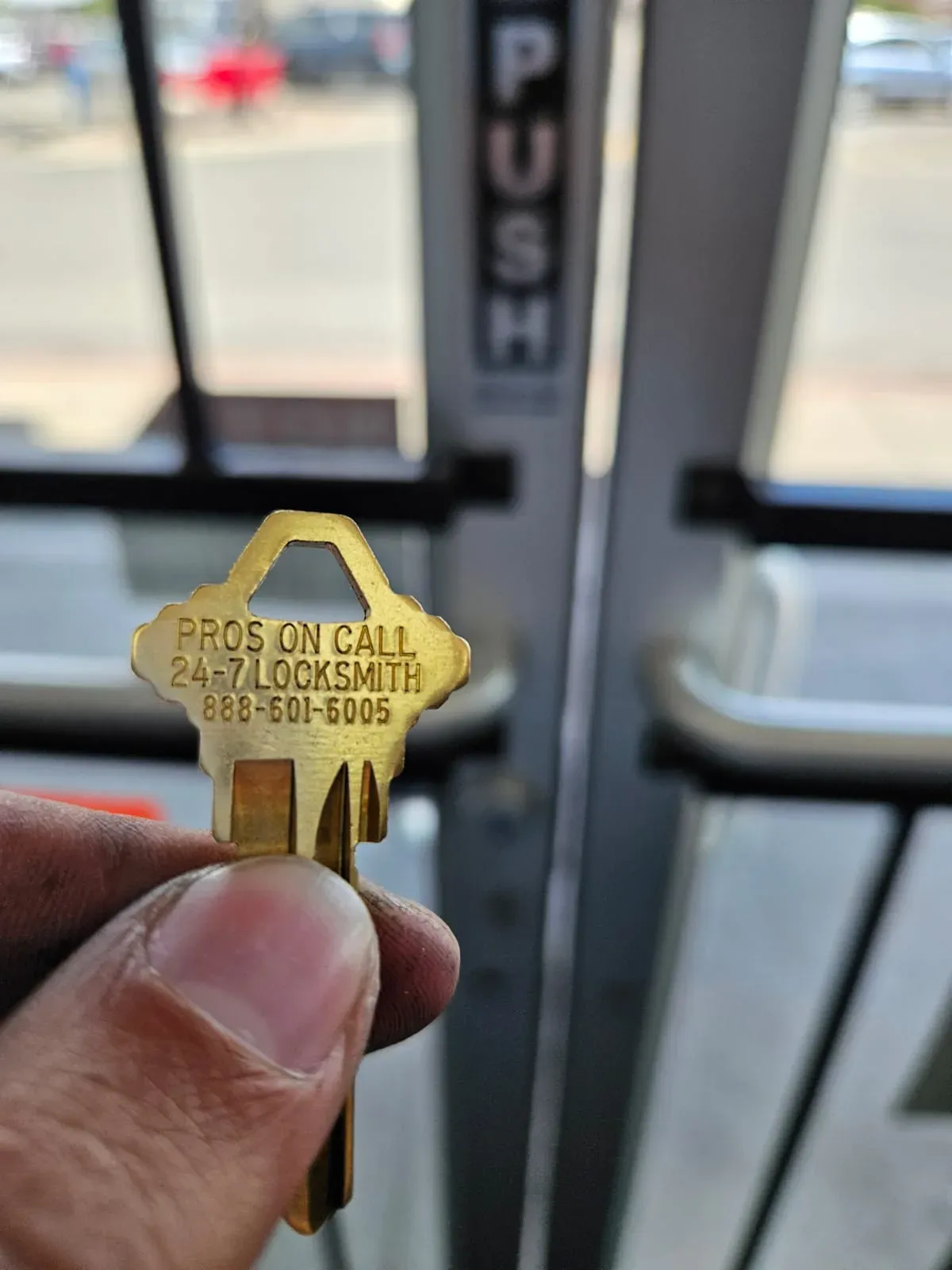
Level 2: Smart Locks and Keyless Entry ($200-$800)
Keyless entry eliminates the root cause of most lockouts: physical keys that can be lost, forgotten, or quietly kept by a former employee. The right system also gives you something traditional keys never could - a record of who accessed the building and when, plus the ability to revoke access instantly the moment someone's employment ends.
The three main options, in order of cost and capability:
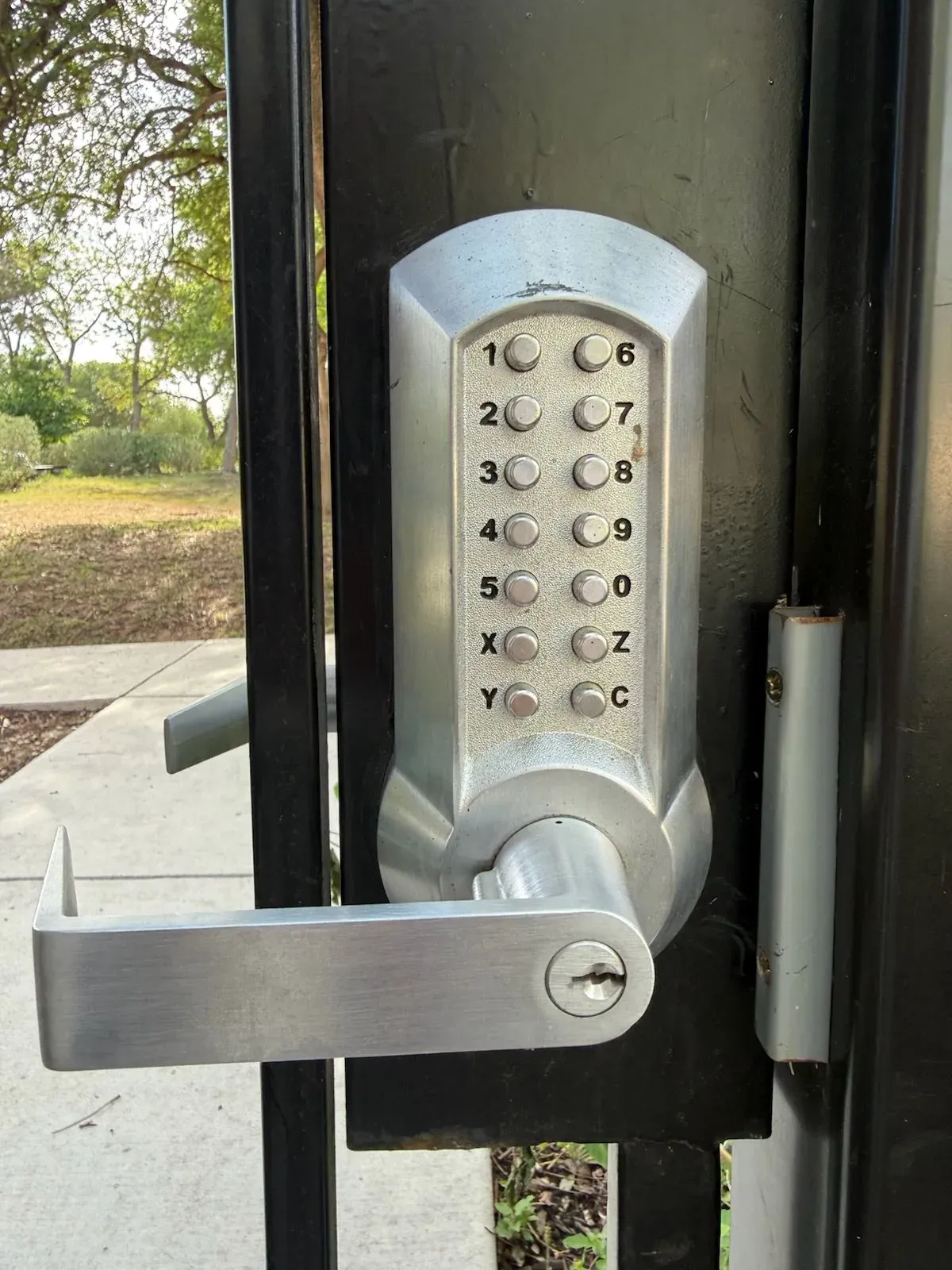
1. Keypads ($150-$400)
Keypads are the reliable workhorse of commercial keyless entry. They don't require a smartphone, work on battery backup during power outages, and codes are easy to update when staff changes. The main limitation is that codes can be shared or memorized by anyone who watches someone punch them in. Three solid options for Texas businesses:
- Kwikset SmartCode 955 - $200, deadbolt + keypad, works with existing door
- Schlage Encode - $280, WiFi enabled, no hub needed
- Yale Assure Lock SL - $250, touchscreen, auto-lock
What you gain with a keypad over a traditional lock: no keys to lose, no rekeying required when a code is compromised - just change the code. What you give up: the ability to grant truly private individual access, since any shared code can travel.
- Simple, reliable, no app needed
- Works during power outage (battery backup)
- Easy to change codes (when employee leaves)
- Codes can be shared or observed
- Requires battery replacement (6-12 months)
2. Smart locks with app control ($250-$600)
App-controlled locks add remote access and audit logging on top of what a keypad offers. If you're locked out, you can unlock from your phone rather than calling a locksmith. You can also grant time-limited access to contractors or delivery drivers without cutting a key. The trade-off is WiFi dependency and the need for a charged phone. Three options that work well in Texas commercial settings:
-
August Smart Lock Pro - $280, installs over existing deadbolt, remote unlock
-
Schlage Encode Plus - $330, built-in WiFi, Apple Home Key support
-
Yale Assure Lock 2 - $280, Matter-compatible, works with Google/Alexa
-
Unlock remotely from smartphone
-
Grant temporary access to contractors, delivery drivers
-
Activity log (see exactly when door was opened)
-
Auto-lock after 30 seconds (never forget to lock)
-
Requires smartphone and WiFi
-
More expensive
-
Can fail if battery dies or WiFi is down
3. Access control systems (card reader/fob) ($500-$2,000)
Card and fob systems are the right choice for businesses with ten or more employees, multiple access points, or compliance requirements for entry logging. The real advantage is instant revocation - the moment you deactivate a card, it stops working at every reader. That matters in Texas industries where turnover is high and the window between termination and key return is a genuine security gap. Three platforms that install well in small to mid-size Texas businesses:
-
Kisi - $1,200-$2,000, cloud-based, smartphone + card access
-
Avigilon Alta - $800-$1,500, easy install, works with existing strikes
-
Brivo - $1,000-$2,500, enterprise-grade, integrates with HR systems
-
Professional solution for 10+ employees
-
Instant access revocation (fire employee, disable card immediately)
-
Detailed audit trail and reporting
-
Integrates with security cameras and alarms
-
Expensive upfront cost
-
Monthly subscription ($50-$200/month)
-
Professional installation usually required
Cost: $200-$800 for smart locks, $500-$2,000 for access control
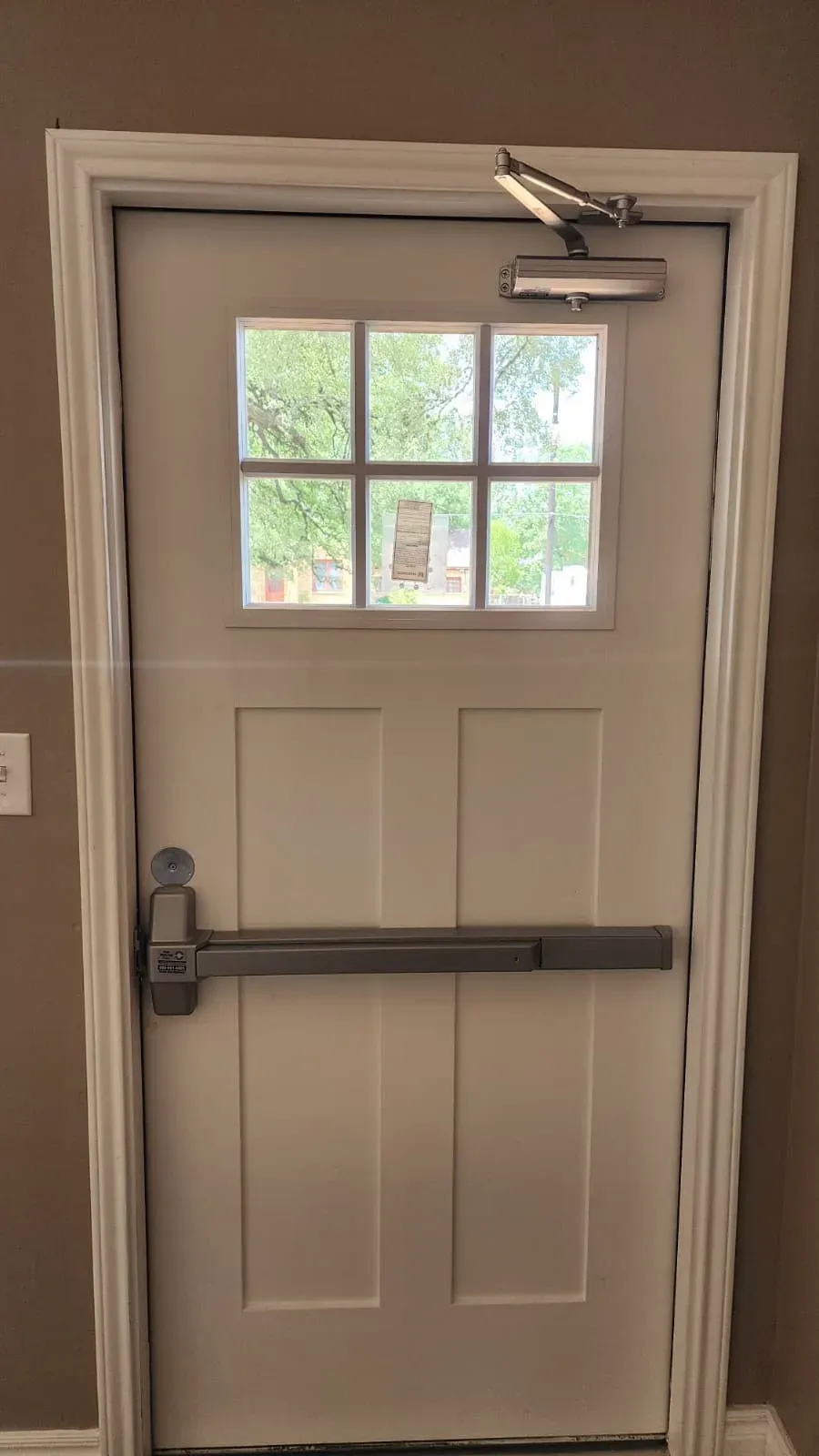
Level 3: Full Security System ($1,000-$5,000)
Businesses with multiple entry points, after-hours operations, or higher security needs often find that individual locks - even smart ones - leave gaps. A full security system treats every door, camera, and alarm as one integrated system rather than separate tools that don't talk to each other. For Texas businesses running 24/7 or holding high-value inventory, this level of integration pays for itself in prevented losses and reduced insurance premiums.
A full system typically has three components working together. Multi-door access control puts card readers or keypads on every exterior entry, managed from a single dashboard. You can set time-based rules (the loading dock active from 6 a.m. to 6 p.m. only), integrate with your employee database, and automatically disable access when someone is terminated. Video intercoms let you see and speak to whoever is at the door before unlocking - useful for delivery management and after-hours vendors, with recorded video for every entry attempt. Security cameras with motion alerts and cloud storage close the loop, giving you a full record of activity at every access point with an alarm trigger for after-hours intrusion.
Texas commercial security companies worth considering for this tier:
- ADT Commercial - Full-service, 24/7 monitoring, expensive
- Brinks Home Security (Commercial) - Mid-tier pricing, good support
- SimpliSafe for Business - DIY option, affordable, no contract
Cost: $1,000-$5,000 for full system (equipment + installation)
Texas-Specific Considerations
1. Extreme Heat and Lock Performance
Texas summers hit locks harder than most people expect. When exterior temperatures exceed 100°F for days at a time, metal lock cylinders expand, door frames shift, and the tight tolerances that make a deadbolt smooth become the tolerances that make it bind. This is why so many Texas lockout calls happen in July and August - and why routine maintenance matters more here than in cooler climates.
Prevention steps for the Texas heat:
- Lubricate locks quarterly with graphite powder (not WD-40)
- Use all-metal locks (avoid plastic components that warp)
- Install weather-resistant finishes (stainless steel, brass)
- Adjust door alignment seasonally (heat causes frame expansion)
2. Hurricane and Storm Preparedness (Coastal Texas)
Coastal Texas businesses face a lockout risk that has nothing to do with lost keys. When a storm knocks out power for days or flooding damages ground-floor hardware, your normal access options vanish entirely. The businesses that recover fastest after a storm are the ones that built in backup access before the season started.
Plan for these failure modes:
- Power outages disable electronic locks
- Flooding damages ground-level locks
- Evacuation means no key access for days
And build these solutions in before storm season:
- Battery backup for electronic locks (minimum 72 hours)
- Waterproof key lockbox above flood line
- Generator backup for access control systems
- Emergency contact plan (who has spare keys off-site)
3. High Employee Turnover Industries
Texas retail, hospitality, and restaurant businesses deal with high staff churn, and key control tends to break down in exactly those environments. When someone leaves in a hurry or gets terminated, key return often gets skipped - and rekeying after every departure adds up fast.
The cost-effective solutions for high-turnover businesses:
- Keyless entry with temporary codes - Delete code when employee leaves
- Kwikset SmartKey locks - Rekey in 30 seconds without locksmith ($35-$50 per lock)
- Strict key return policy - Withhold final paycheck until key returned (legal in Texas with signed agreement)
4. Texas Business Hours and After-Hours Access
Many Texas industries don't run on a 9-to-5 schedule. Oil and gas, healthcare, restaurants, and logistics operations may have employees coming and going around the clock, which means lockout risk exists at hours when most other businesses are dark and alternatives are limited.
For businesses with shift work or 24/7 operations, the safeguards that matter most:
- Multiple employees with keys per shift
- Keyless entry with unique codes per employee
- Security guard or night manager with master key
- 24/7 locksmith service on retainer ($100-$200/month)
When to Upgrade Your Locks
A lockout sometimes reveals that the real problem isn't who has the key - it's the hardware itself. Worn, damaged, or inadequate locks are a slow-moving problem that shows up as sticky keys and difficult turns before it turns into a full failure or a security breach. Here's how to read the signs by situation.
1. Lock is worn or damaged
Physical wear accumulates invisibly until it causes a problem. If a key sticks, a deadbolt doesn't fully extend, or the cylinder has visible play or rust, the lock has already passed its reliable service life.
- Key sticks or is hard to turn
- Deadbolt doesn't fully extend
- Lock cylinder is loose or wiggles
- Rust or corrosion visible
- Action: Replace with Grade 1 commercial deadbolt ($100-$300)
2. Keys have been lost or stolen
A missing key is a security event, not just an inconvenience. Someone may have your key, know your address, and know your schedule. Rekeying is inexpensive relative to the alternative.
- Employee lost keys with no recovery
- Keys stolen from vehicle or bag
- Former employee didn't return keys
- Action: Rekey lock ($50-$100) or replace if lock is old
3. Security upgrade needed
A residential-grade lock on a commercial door is a mismatch the Texas heat and daily use will expose quickly. If you don't know who's been through the door - and can't find out - your security posture has a gap that a key control system or access control upgrade fills.
- Basic Grade 3 residential lock on commercial door
- No audit trail (don't know who entered)
- Too many people have keys
- Action: Upgrade to keyless entry ($200-$600) or access control ($500-$2,000)
4. After break-in or attempted break-in
A compromised lock needs to be replaced, not just re-locked. Drilling, prying, or picking degrades the cylinder even when the door still closes, and a damaged deadbolt may not resist a second attempt.
- Lock was drilled, pried, or kicked
- Deadbolt damaged from forced entry
- Lock picked or bumped
- Action: Upgrade to high-security lock (Medeco, Mul-T-Lock) ($150-$400)
Business Lockout Checklist
Use this checklist to handle the lockout efficiently and prevent future occurrences. The three phases below cover the active lockout, the recovery steps once you're back inside, and the prevention work that keeps it from happening again within the month.
During Lockout: Work through this in order. The urgency assessment comes first because it determines whether you skip the backup-access search and go straight to the locksmith call.
- Assess urgency (emergency vs. non-emergency)
- Check for backup access (other doors, building manager, other employees)
- Call licensed commercial locksmith (verify DPS license)
- Get price estimate before work begins
- Notify affected parties (clients, employees)
- Verify locksmith credentials upon arrival
- Get receipt and keep for taxes/insurance
After Lockout Resolved: The hour after access is restored is the best time to close the gaps that caused the lockout. Do these while the incident is fresh rather than waiting until it's forgotten.
- Order spare keys immediately (minimum 2 spares)
- Document incident (what happened, cost, time lost)
- Submit insurance claim if applicable
- Review key assignment policy
- Consider rekey if keys were lost/stolen
- Schedule lock maintenance/inspection
Prevention (Next 30 Days): These steps convert a one-time lockout into a lasting fix. Schedule a specific time for each rather than adding them to a general to-do list, or they tend not to happen.
- Implement key tracking system
- Install key lockbox with spare
- Evaluate keyless entry options
- Review employee access needs
- Establish locksmith relationship (get quote for future needs)
- Add locksmith number to emergency contacts
- Train employees on lockout procedure
Emergency Locksmith Services in Texas
We provide 24/7 commercial lockout services across Texas. Our technicians are licensed under Texas DPS License #B19847, and every job starts with an upfront price estimate - no surprise charges when the work is done. Call us at (888) 601-6005 and we'll confirm your response time based on your location before you hang up.
Our commercial lockout services cover the full range of situations Texas businesses face:
- Commercial lockouts (office, retail, warehouse, restaurant)
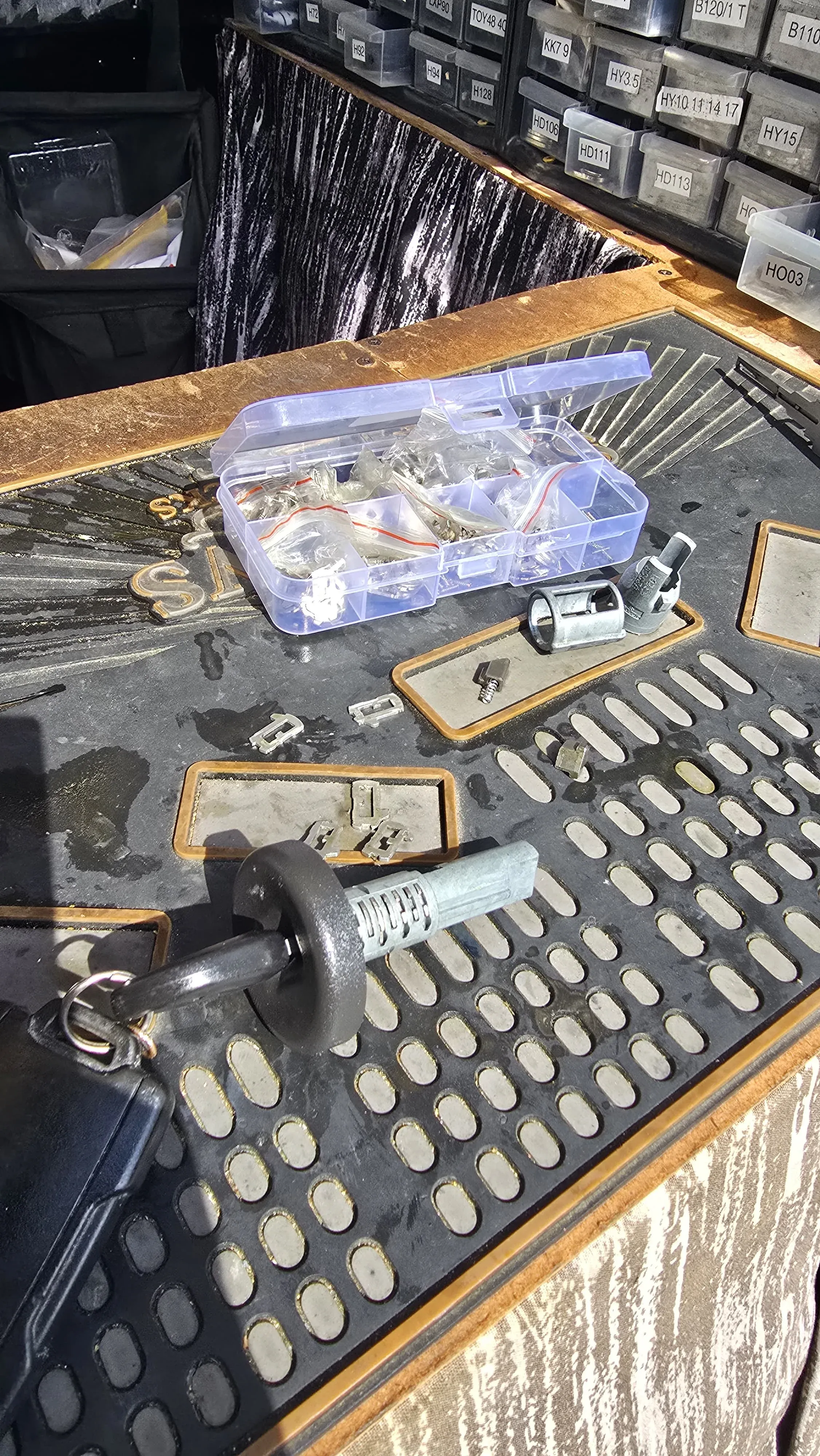
- Non-destructive entry (pick, bypass, specialized tools)
- Lock rekey and replacement
- High-security lock installation
- Access control system setup
- Master key system design
- Emergency lock repair
Response time depends on your location in the state:
- Metro areas (Houston, Dallas, Austin, San Antonio): 15-30 minutes
- Suburban areas: 30-45 minutes
- After-hours/weekends: 45-60 minutes
Our pricing structure is straightforward: upfront estimates, flat-rate pricing (not by the hour), commercial insurance accepted, and an invoice provided for business expense deduction. We serve Austin, San Antonio, Houston, Dallas, Fort Worth, El Paso, Arlington, Corpus Christi, Plano, Lubbock, Irving, Laredo, Garland, Frisco, McKinney, and all major Texas metro areas.
Call (888) 601-6005 for immediate commercial lockout service.
Last updated: December 2025 | Based on Texas Department of Public Safety locksmith licensing requirements and 15+ years of commercial locksmith experience. GSC data: 2 clicks and 4,874 impressions over 16 months.
Content strategy and SEO by Optymizer