
Choosing a home security system in Texas means considering unique factors: extreme heat, large properties, tornado/hurricane preparedness, and high crime rates in certain metro areas. This guide reviews the 9 best home security systems for Texas homes based on features, pricing, local monitoring capabilities, and Texas-specific needs.
Quick Comparison: Best Home Security Systems for Texas
Before diving into each system, the table below gives you the numbers at a glance so you can quickly rule out options that don't fit your budget or setup preferences.
| System | Best For | Monthly Cost | Equipment Cost | Professional Monitoring | DIY Install |
|---|---|---|---|---|---|
| ADT | Established homes, 24/7 monitoring | $45-$60 | $599-$1,299 | Yes Required | No Professional only |
| SimpliSafe | Budget-conscious, renters | $18-$28 | $245-$529 | Yes Optional | Yes Yes |
| Ring Alarm | Amazon ecosystem users | $20 | $199-$329 | Yes Optional | Yes Yes |
| Vivint | Smart home integration | $30-$50 | $599-$1,499 | Yes Required | No Professional only |
| Frontpoint | No-contract flexibility | $35-$50 | $399-$799 | Yes Required | Yes Yes |
| Abode | Tech-savvy homeowners | $20-$30 | $329-$599 | Yes Optional | Yes Yes |
| Cove | Lifetime warranty | $25 | $499-$799 | Yes Required | Yes Yes |
| Brinks Home | Budget + monitoring | $29-$49 | $299-$699 | Yes Required | Yes Yes |
| Arlo | Outdoor camera focus | $0-$20 | $179-$599 | No Self-monitoring | Yes Yes |
What Makes a Home Security System Good for Texas?
Texas throws conditions at your security gear that most of the country never sees: triple-digit attic temperatures that kill batteries ahead of schedule, properties with acreage that outrun a typical WiFi setup, and storm seasons that knock out power for days at a stretch. A system that performs fine in a Baltimore suburb can quietly fail on an Austin property when a July heat wave hits or a winter storm takes the grid down. The five factors below explain what separates a system that actually holds up here from one that just checks a box on a sales sheet.
- Extreme heat tolerance - Equipment must work in 100°F+ attics and garages
- Large property coverage - Many Texas homes have 1+ acre lots
- Storm/tornado monitoring - Integration with weather alerts
- Cellular backup - Power outages during storms knock out internet
- Local monitoring centers - Texas-based monitoring for faster police/fire dispatch
1. ADT - Best for Traditional 24/7 Monitoring
ADT's core advantage in Texas is infrastructure that is already baked into the state. The company operates monitoring centers in Dallas and other Texas locations, which means dispatch signals travel a shorter path to local police and fire departments than they would from a call center on the East Coast. Add a 120-plus-year operating history, and you get a vendor with established working relationships with Texas law enforcement agencies that newer brands simply cannot match. That matters when seconds count.
On the hardware side, ADT's professional installation crew handles coverage planning for large Texas properties where DIY placement often leaves blind spots. Cellular backup keeps the system reporting during the power outages that accompany Gulf storms, which is worth more here than in parts of the country where outages are rare.
Pricing: ADT's cost structure rewards commitment. Longer contracts reduce upfront equipment cost but lock you into a higher monthly rate.
- Equipment: $599-$1,299 (or $0 with 3-year contract)
- Monitoring: $45-$60/month
- Installation: $99 or free with contract
- Contract: 36 months (required)
Equipment included: A standard ADT installation covers the entry points that matter most, with add-on sensors available for larger properties or specific hazards like flooding.
- Control panel (touchscreen or keypad)
- 3-6 door/window sensors
- 1-2 motion detectors
- Yard sign and window decals
- Optional: Glass break sensors, smoke detectors, flood sensors
Pros: Where ADT earns its price tag:
- Established company with proven track record
- Professional installation (good for complex setups)
- Texas-based monitoring centers
- Works with Google Home and Alexa
Cons: What to weigh before signing:
- Long-term contract (3 years)
- Higher monthly cost than DIY options
- Equipment becomes obsolete (no ownership after contract ends)
Best for: Homeowners who want professional monitoring and are comfortable with long-term contracts.
2. SimpliSafe - Best Budget Option for Texas Homes
SimpliSafe wins on value because it removes the two costs that inflate most security bills: the long-term contract and the professional installation fee. You own the equipment outright, pay $18 a month for monitoring if you want it, and can cancel at any time. For Texas renters moving between Austin, San Antonio, and McAllen, that portability matters more than it does almost anywhere else. The system packs up and comes with you.
The hardware is rated for high-heat environments, so outdoor sensors hold up through a South Texas summer without the battery failures that plague cheaper kits. A 15-to-30-minute DIY install also means you are not trying to schedule a technician appointment during the busiest weeks of July.
Pricing: No contract required. You pay for equipment once and choose monitoring month to month.
- Equipment: $245-$529 (varies by package size)
- Monitoring (optional): $18-$28/month
- Installation: DIY (free) or professional ($79)
- Contract: None required
Equipment packages: SimpliSafe sells three tiers that scale up the sensor count and add environmental protection as you move up.
- Starter: 1 base station, 1 keypad, 3 sensors, 1 motion detector ($245)
- Standard: Above + 2 extra sensors, panic button ($329)
- Pro: Above + smoke, freeze, water sensors ($529)
Pros: What makes SimpliSafe work for Texas:
- No contract (cancel anytime)
- Battery backup (works during outages)
- Texas-tolerant hardware (rated for high heat)
- Easy DIY installation (15-30 minutes)
Cons: Where it falls short:
- Less sophisticated than ADT or Vivint
- No professional installation (you're on your own)
- Self-monitoring requires checking app (not passive)
Best for: Renters, budget-conscious homeowners, and those who want flexibility.
3. Ring Alarm - Best for Amazon Ecosystem Users
Ring's pitch to Texas homeowners is ecosystem depth rather than standalone alarm performance. If you already have a Ring doorbell camera at your front door, adding the Ring Alarm base station turns those separate pieces into a unified system managed from one app. The $20 monthly plan covers both alarm monitoring and unlimited camera recordings, which is a meaningful discount compared to paying for those services separately. It also plugs directly into Alexa, so arming the system is a voice command away.
The Neighbors app layer gives Ring users something other systems skip: a local crime alert feed pulled from nearby Ring devices and shared police bulletins. For neighborhoods in the San Antonio metro or Houston's outer suburbs, that community awareness can surface patterns days before an incident reaches your block.
Pricing: No contract, and one flat rate covers cameras and alarm monitoring together.
- Equipment: $199-$329
- Monitoring (optional): $20/month (or $200/year)
- Installation: DIY
- Contract: None required
Equipment packages: The kits scale from a minimal five-piece starter to a fourteen-piece setup that adds environmental detection for smoke, CO, and flooding.
- 5-piece kit: Base station, keypad, contact sensor, motion detector, range extender ($199)
- 10-piece kit: Above + 4 extra sensors, panic button ($279)
- 14-piece kit: Above + smoke/CO listener, flood/freeze sensor ($329)
Pros: Ring's strengths:
- Works with existing Ring cameras/doorbells
- $20/month covers alarm + unlimited cameras
- Alexa voice control (great for smart homes)
- Neighbors app for local crime alerts
Cons: Ring's weak points:
- Requires Ring Protect Pro subscription ($20/month) for cellular backup
- Less professional than ADT
- Amazon privacy concerns
Best for: Amazon/Alexa users who already have Ring cameras or doorbells.
4. Vivint - Best for Full Smart Home Integration
Vivint targets the Texas homeowner who wants one app to control everything, and it comes closer to that goal than any other system on this list. Smart thermostat integration is a real selling point in a state where cooling costs run high from May through October; having the security panel and the thermostat talk to each other means you can set the AC to back off when the alarm is armed and you have left for the day. The system also handles garage door control from your phone, which matters in Texas where the garage door is often the primary entry point and the most overlooked security weak link.
Professional installation is required, not optional, and that is actually a feature when you are covering a larger Hill Country property or a two-story home in the Houston suburbs. Vivint's technicians plan coverage rather than letting you guess.
Pricing: Vivint's longer contracts drive the monthly rate down but tie you to the service for years.
- Equipment: $599-$1,499 (or $0 with financing)
- Monitoring: $30-$50/month
- Installation: $49-$199 (or free with contract)
- Contract: 42-60 months (required)
Smart home features: Vivint's strength is that all of these devices communicate with each other through one platform, not as separate apps bolted together.
- Smart locks (Kwikset, Yale integration)
- Smart thermostat (Nest, Ecobee compatibility)
- Garage door control
- Smart lighting
- Doorbell camera
Pros: Where Vivint stands out:
- Best smart home integration (locks, thermostat, lights, garage)
- Professional installation ensures proper coverage
- High-quality equipment (touchscreen panel, HD cameras)
- Energy savings from smart thermostat (helps offset monthly cost)
Cons: The real costs:
- Very long contract (3.5-5 years)
- Higher monthly cost
- Early termination fees are steep
Best for: Tech-savvy homeowners who want a fully integrated smart home.

5. Frontpoint - Best No-Contract Option with Monitoring
Frontpoint occupies a useful middle ground: professional-grade monitoring without the multi-year contract that makes ADT and Vivint feel like a mortgage. The crash-and-smash protection is worth calling out specifically for Texas. If a burglar walks in, grabs the panel off the wall, and destroys it, Frontpoint has already sent the alert. That alert went out the moment the door opened, before anyone touched the panel, so disabling the hardware does nothing.
Environmental sensors for smoke, carbon monoxide, flood, and freeze cover the full range of Texas hazards, not just break-ins. The 30-day money-back guarantee lets you test it in your actual home rather than guessing from a spec sheet.
Pricing: Higher monitoring rates than DIY competitors, but no long-term contract required.
- Equipment: $399-$799
- Monitoring: $35-$50/month
- Installation: DIY
- Contract: None required (or discount with contract)
Equipment packages: Frontpoint's three tiers add progressively more sensors and environmental coverage, with the Ultimate package including a camera and glass-break detector suited to Texas burglary patterns.
- Secure: Control panel, 3 sensors, motion detector, yard sign ($399)
- Protect: Above + smoke detector, panic button ($549)
- Ultimate: Above + camera, glass break sensor, extra sensors ($799)
Pros: Frontpoint's edge:
- No contract required (month-to-month available)
- Crash and smash protection (alerts even if panel is destroyed)
- Environmental monitoring (smoke, flood, freeze)
- GE equipment (higher quality than budget brands)
Cons: The cost trade-off:
- Higher equipment cost than SimpliSafe or Ring
- DIY installation (no professional option)
- Monthly cost higher than DIY competitors
Best for: Homeowners who want professional monitoring WITHOUT a long-term contract.
6. Abode - Best for HomeKit and Smart Home Nerds
Abode is the only major security system with full Apple HomeKit certification, which is the differentiator that matters if your home runs on an iPhone-centric ecosystem. You can see door and motion sensors in the Home app, automate scenes that include the alarm state, and trigger locks or lights when the system arms. No other system on this list offers that level of native HomeKit depth. Beyond Apple, Abode's Z-Wave radio lets it connect to a wide catalog of third-party devices, so you are not limited to one manufacturer's hardware lineup.
Cellular and Ethernet backup run simultaneously, which gives Abode redundant communication paths during storms. Optional self-monitoring means you pay nothing monthly if you want to handle alerts yourself, or you add professional monitoring when a big trip or vacation makes that feel worth the price.
Pricing: Monitoring is optional, so you can self-monitor for free or add professional coverage when needed.
- Equipment: $329-$599
- Monitoring (optional): $20-$30/month (or self-monitor for free)
- Installation: DIY
- Contract: None required
Smart integrations: Abode's open platform approach means it connects to a wider range of third-party devices than any other system on this list.
- Apple HomeKit (full support)
- Amazon Alexa
- Google Assistant
- IFTTT automation
- Nest, Philips Hue, August locks
Pros: Abode's strengths:
- Best smart home integration (HomeKit certified)
- Open platform (works with nearly everything)
- Optional monitoring (or self-monitor for free)
- Cellular backup included in monitoring plan
Cons: Abode's limitations:
- Expensive for what you get (vs SimpliSafe)
- Requires technical knowledge to set up integrations
- Smaller company (less proven than ADT or Vivint)
Best for: Apple HomeKit users and smart home enthusiasts who want maximum flexibility.
7. Cove - Best Lifetime Equipment Warranty
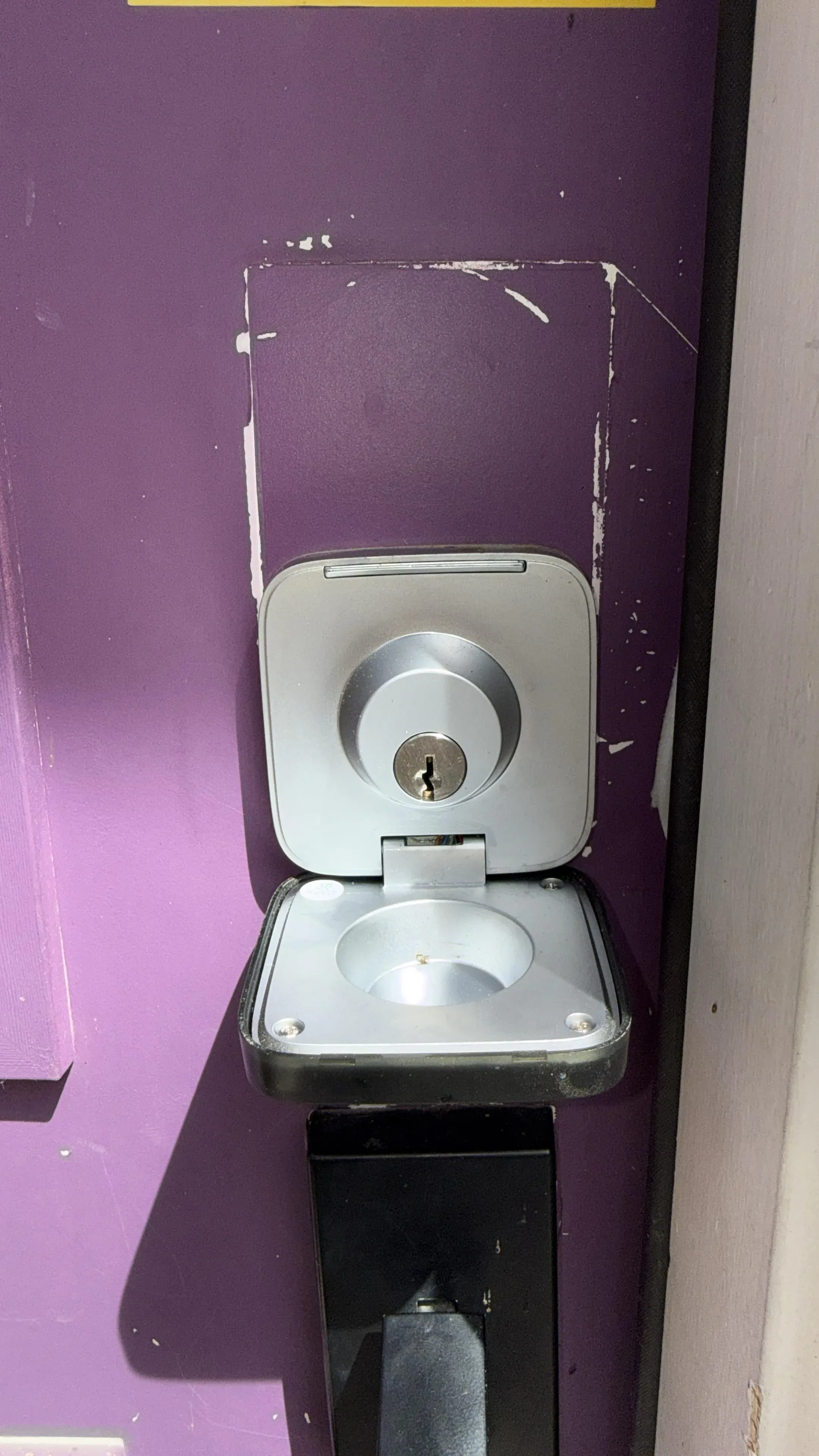
The lifetime warranty is what Cove sells, and in Texas it is more meaningful than it sounds. Security hardware sitting in a garage in a 110-degree McAllen summer degrades faster than the same hardware in a Minnesota basement. Sensors fail, panels glitch, and batteries die ahead of schedule. Cove replaces any piece of equipment that stops working, at no charge, for as long as you have service. For a homeowner who wants to set the system up and stop thinking about it, that peace of mind has real dollar value.
Professional monitoring is baked into every plan at $25 a month with no self-monitoring option. If you wanted to self-monitor and save money, SimpliSafe is a better fit. But if you want coverage you never have to manage, Cove's combination of all-in monitoring and lifetime hardware replacement is hard to match.
Pricing: One flat rate covers everything. Equipment is purchased outright or included with a five-year contract.
- Equipment: $499-$799 (or $0 with 5-year contract)
- Monitoring: $25/month
- Installation: DIY
- Contract: 60 months (or pay upfront for equipment)
Pros: Cove's case:
- Lifetime equipment warranty (replace anything that breaks, free)
- Professional monitoring included in all plans
- Touch-free control (voice, mobile app)
- Pet-friendly motion sensors
Cons: The limits:
- Long contract (5 years)
- Professional monitoring required (no self-monitoring)
- Limited smart home integration
Best for: Homeowners who want professional monitoring and worry about equipment failures in Texas heat.
Security hardware sitting in a garage in a 110-degree McAllen summer degrades faster than the same hardware in a Minnesota basement.
8. Brinks Home (formerly Monitronics)
Brinks Home's main argument is a lower monitoring rate than ADT or Vivint with hardware quality that holds up better than budget brands. At $29 a month for professional monitoring, it sits in a price tier that makes it appealing to homeowners who want central station coverage but do not want to pay ADT prices. The installation flexibility is also useful: you can go DIY if you are comfortable placing sensors yourself, or pay $99 for a technician if you would rather have it done right the first time.
Crash-and-smash protection and environmental sensors for smoke, carbon monoxide, and flooding cover the secondary hazards that matter in Texas well beyond simple burglary concerns.
Pricing: Three-year contract required, but monitoring rates run lower than ADT or Vivint.
- Equipment: $299-$699
- Monitoring: $29-$49/month
- Installation: DIY (free) or professional ($99)
- Contract: 36 months
Pros: Brinks Home's strengths:
- Affordable monitoring ($29/month)
- DIY or professional installation options
- Good equipment quality
- Mobile app control
Cons: What it lacks:
- 3-year contract required
- Less name recognition than ADT
- Limited smart home integration
Best for: Budget-conscious homeowners who want professional monitoring at lower cost.
9. Arlo - Best for Outdoor Security Cameras Only
Arlo is not a full security system, and it is important to be clear about that upfront. There are no door sensors, no panic button, and no central monitoring station calling the police on your behalf. What Arlo offers is the best outdoor camera hardware in this price range: weatherproof housings that hold up through a Texas summer, color night vision that picks up details standard infrared cameras miss, and a solar panel add-on that turns the abundant Texas sun into free, maintenance-free power for cameras mounted at property perimeters.
The value case is to pair Arlo cameras with a primary system from another provider on this list. You get the sensor-based alarm coverage indoors and the superior camera quality outside.
Pricing: Costs scale per camera. Local storage removes the monthly fee entirely.
- Equipment: $179-$599 per camera
- Monitoring (optional): $0-$20/month
- Installation: DIY
- Contract: None
Camera models: Arlo's three main tiers differ primarily in resolution and night-vision capability.
- Arlo Essential: 1080p, battery-powered, $129
- Arlo Pro 4: 2K, spotlight, color night vision, $249
- Arlo Ultra 2: 4K, auto-zoom, HDR, $299
Pros: Arlo's strengths:
- No monthly fee required (local storage option)
- Best outdoor camera quality
- Solar panel option (great for Texas sun)
- Color night vision (rare feature)
Cons: The real gaps:
- No door/window sensors (cameras only)
- Not a full security system (supplement only)
- Expensive per camera ($200-$300 each)
Best for: Homeowners who want outdoor security cameras and already have a security system (or want visual-only monitoring).
Texas-Specific Security Considerations
1. Extreme Heat (100°F+ Summers)
Texas heat is the hidden system killer that national review sites rarely account for. Sensors mounted in an uninsulated garage or under a west-facing soffit can reach temperatures well above the rated operating range for budget components, leading to false alarms and early battery failure. Outdoor cameras in the Rio Grande Valley or West Texas face some of the highest ambient temperatures in the country, and not all of them are built to handle it. Choosing the right hardware and mounting location matters as much as choosing the right brand.
Impact on security systems: Heat affects three things most: battery performance, camera reliability, and sensor sensitivity. These are not minor inconveniences in a Texas summer.
- Battery life decreases in high heat
- Outdoor cameras can overheat
- Attic-mounted equipment can fail
Solutions: The fixes here are straightforward once you know what to look for during installation.
- Use hardwired cameras when possible
- Install sensors in climate-controlled spaces
- Choose systems with high temperature ratings (SimpliSafe, Ring rated for Texas heat)
2. Large Properties (1+ Acre Lots)
Hill Country ranches, rural East Texas properties, and suburban lots in the DFW and Houston exurbs often cover more ground than a standard residential WiFi network can reach from one router. That gap matters because most DIY sensors rely on a clear radio path back to the base station. When a motion sensor at the back fence is barely holding a signal, you get intermittent alerts at best and silent failures at worst. Large properties also have more entry points to cover, which is why systems with cellular backup and range extenders are worth the extra cost here.
Challenges: Coverage on large Texas properties creates problems that do not show up in most reviews written for standard suburban lots.
- WiFi doesn't reach property perimeter
- More entry points to monitor
- Longer response times for police/fire
Solutions: Most of these problems are solvable with the right equipment choices and a bit of planning before installation.
- Use cellular backup (doesn't rely on WiFi)
- Install WiFi extenders or mesh network (Google WiFi, Eero)
- Add driveway sensors for early warning
- Consider professional installation (ADT, Vivint) for complex coverage
3. Power Outages (Storms, Heat Waves)
Winter Storm Uri in 2021 showed Texas in a way most residents had never experienced: millions of homes lost power for days, and with it went internet routers, alarm panels drawing wall power, and any system without a cellular fallback. That failure pattern is not unique to an extreme event. Gulf Coast storm seasons knock out power regularly across Houston and Corpus Christi, and summer heat-load blackouts can hit the Hill Country without much warning. A system that depends entirely on broadband internet is a system that goes dark exactly when you need it most.
Impact: Losing power does not just mean lights out. It means your alarm may stop communicating entirely if you have not accounted for it.
- Internet routers go down (WiFi systems fail)
- Security systems can't send alerts
Solutions: Cellular backup and a simple battery for your router address most of these risks for under $100.
- Choose system with cellular backup (ADT, SimpliSafe, Frontpoint)
- Install UPS battery backup for router ($50-$100)
- Test cellular backup quarterly
4. High Crime Areas (Dallas, Houston, San Antonio)
Property crime rates in Texas's major metros are worth knowing before you decide how much to invest in deterrence hardware. The numbers below come from publicly reported FBI crime data:
- Houston: 1 in 16 chance of property crime annually
- Dallas: 1 in 21 chance
- San Antonio: 1 in 25 chance
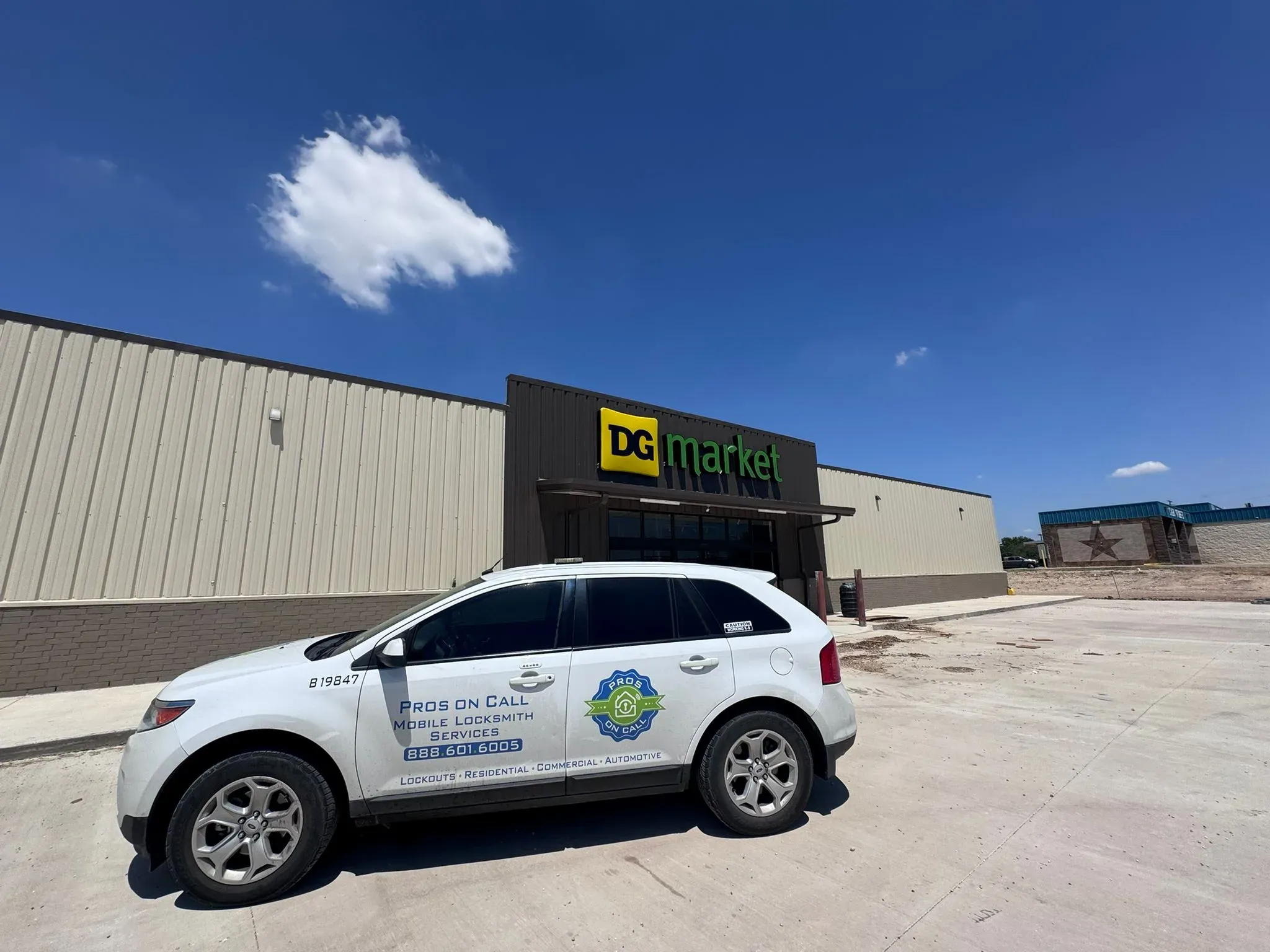
Visible deterrence makes a real difference. In our experience working across Austin, San Antonio, and McAllen, burglars consistently target homes that look unwatched rather than those with obvious cameras, yard signs, and lit entryways. The physical alarm system matters, but so does what a burglar sees from the street before they ever reach your door.
Solutions: These tactics cost little but add real deterrent value on top of any alarm system.
- Add visible cameras to deter burglars
- Use yard signs and window decals (visible deterrence works even with basic signage)
- Add glass break sensors (common Texas entry method)
- Use smart lights to simulate occupancy
5. Tornado/Hurricane Preparedness
Texas weather demands that a security system stay online through the worst-case scenario, not just average nights. A system that needs broadband to function is effectively offline during a direct storm hit, precisely when environmental monitoring for flooding and gas leaks would matter most. The systems below are specifically designed to maintain communication when the grid fails.
Requirements: These are the non-negotiable capabilities for any system you plan to rely on during a Texas storm event.
- System must work during power outages
- Mobile alerts even if internet is down
- Environmental monitoring (flood sensors)
Best systems for Texas weather: If storm preparedness is your primary concern, these three pull ahead of the rest of the field.
- ADT: Cellular backup + professional monitoring
- SimpliSafe: Battery + cellular backup
- Frontpoint: Environmental sensors + crash/smash protection
Cost Analysis: DIY vs. Professional Monitoring
Over five years, the difference between the cheapest and most expensive options on this list is not a rounding error. It is real money that adds up to more than a full equipment upgrade. The table below uses the midpoint monitoring rates to show the full picture.
| System | Equipment | Monitoring (60 months) | Total 5-Year Cost |
|---|---|---|---|
| ADT | $0 (with contract) | $3,000 ($50/mo) | $3,000 |
| SimpliSafe | $329 | $1,080 ($18/mo) | $1,409 |
| Ring Alarm | $279 | $1,200 ($20/mo) | $1,479 |
| Vivint | $0 (with contract) | $2,400 ($40/mo) | $2,400 |
| Frontpoint | $549 | $2,100 ($35/mo) | $2,649 |
Winner: SimpliSafe (saves $1,591 vs. ADT over 5 years)
SimpliSafe (saves $1,591 vs. ADT over 5 years)
How to Choose the Right System for Your Texas Home
The right system depends on five questions, and answering them honestly narrows the field fast. Most homeowners get tripped up by picking a brand name first and then trying to make their situation fit it rather than the other way around. Work through these in order and you will end up with a short list instead of nine options.
WORK THROUGH THESE IN ORDER
Do I want professional monitoring?
YES: ADT, Vivint, Frontpoint, Cove. NO: SimpliSafe, Ring, Abode (with self-monitoring option).
Am I comfortable with DIY installation?
YES: SimpliSafe, Ring, Frontpoint, Abode. NO: ADT, Vivint (professional installation included).
Do I want smart home integration?
YES: Vivint (best), Abode (HomeKit), Ring (Alexa). NO: SimpliSafe, Frontpoint (basic monitoring only).
What's my budget?
Low ($20-30/month): SimpliSafe, Ring, Abode. Medium ($30-40/month): Frontpoint, Cove, Vivint. Higher ($45+/month): ADT, Vivint (with all features).
Do I own or rent?
Own: Any system (long-term contracts OK). Rent: SimpliSafe, Ring, Frontpoint (no contract, portable).
Need Professional Security System Installation in Texas?
A security system is only as good as its installation. Sensors placed in the wrong spots, extenders missing from a large property, or a smart lock that was never paired correctly can all leave gaps that undermine an otherwise solid system. Professional installation takes the guesswork out of coverage planning, especially for Texas homes with acreage, multiple outbuildings, or complex floor plans.
We install and service security hardware across Austin, San Antonio, Houston, Dallas, Fort Worth, El Paso, Arlington, Corpus Christi, Plano, McAllen, and all major Texas metro areas. That includes:
- ADT and Vivint systems (certified installers)
- DIY system setup and configuration
- Smart lock integration (August, Kwikset, Yale)
- Camera installation and WiFi optimization
Call us at (888) 601-6005 for a free home security consultation. Pros On Call is a licensed Texas locksmith and security contractor, License #B19847.
Last updated: December 2025 | Based on GSC data: 3 clicks and 13,029 impressions over 16 months. Pricing accurate as of December 2025.
Content strategy and SEO by Optymizer