
To specify access control in Austin or Round Rock, decide four things for every door before you sign: how the door locks, how a person gets out with one motion, which listed hardware does the locking, and who approves the plan. The section numbers that older guides quote for these rules moved by one in the 2024 IBC. A spec that cites the wrong edition is the first thing a reviewer sees.
I'm Yehuda, a locksmith technician with Pros On Call. Both cities now run 2024 I-Codes, and the egress rules for electrically locked doors sit in IBC Sections 1010.2.9 through 1010.2.12 in the 2024 edition. This post teaches the checklist, not the device types. If you are still deciding whether you need access control installation at all, start there. If you already know, read on and mark up your own door list as you go.
What an Access Control Installation Includes in an Austin Office
An access control installation is the electrified door hardware, the readers or keypads, the controller and power supply, the wiring between them, and the programming that decides who gets in and when. The job is scoped door by door, and the fire marshal's rules decide how each door must release from inside.
Texas law covers this trade, with a carve-out. Occupations Code Chapter 1702 defines an electronic access control device company and an electronic access control device installer, which is why the license question comes up again later in this post.
The unit of scope is the door, not the building. A suite with six doors is six small decisions, and each one has its own lock mode, release method and credential rule. Walk the building with a list before anyone prices a thing.
Multi-tenant suites add a step. Landlord approval comes before any hardware touches a shared door, and I would get it in writing. Frame condition matters too, because a strike or a magnet is only as good as the steel and wood holding it. Our guide to checking the door frame first covers that.
Two boundaries keep this post on topic. If you only need one keypad lock on one door, that is a different job, and keyless entry lock options is the better read. For what the devices are and how they differ, the access control devices guide and our page on commercial access control come first.
The unit of scope is the door, not the building.
Which Codes Apply in Austin and Round Rock
Austin lists local amendments to the 2024 International Building Code and 2024 International Fire Code as effective July 10, 2025. Round Rock lists the 2024 IBC and 2024 IFC as currently adopted, with the 2024 IFC and its local amendments in effect January 1, 2026. Both cities amend locally, so check the amended text with the fire marshal.
Both Austin and Round Rock now list the 2024 IBC and the 2024 IFC as adopted. You can read Austin's list on its building technical codes page. I cannot tell you whether either city changed the egress sections themselves, so I say "the 2024 IBC as adopted with the city's amendments" and send you to the fire marshal for the final word.
Here is the trap. Older guides cite 1010.2.11 for door hardware release and 1010.2.12 for sensor release. Those are the 2021 numbers. The 2024 numbers moved by one, and the rest of this post uses them.
Nearby cities may sit on different local amendments. If your building is in Cedar Park, Georgetown or Pflugerville, check your own city's adopted edition before you trust a number from any guide, this one included.
The same warning applies to any quote. If it cites a section number, ask which edition it came from.
Free Egress Is the Baseline for Every Door
Where a door has an access control system, Section 1010.2.9 of the 2024 IBC requires the locking system on the egress side to follow one of the special arrangements in 1010.2.10 through 1010.2.15, or to be readily openable from the egress side without a key or special knowledge or effort. Free exit in one motion is the baseline, and every other locking method is a permitted exception with conditions.
Read "permitted" carefully. Each listed condition is a requirement of that method, not a suggestion. A maglock plus a sensor is one permitted way to reach safe egress, not the only way. A lever that always turns is another.
The code in this section concerns the electrified layer only. Mechanical hardware, closers and panic bars live in their own rules, and our commercial door hardware guide handles those.
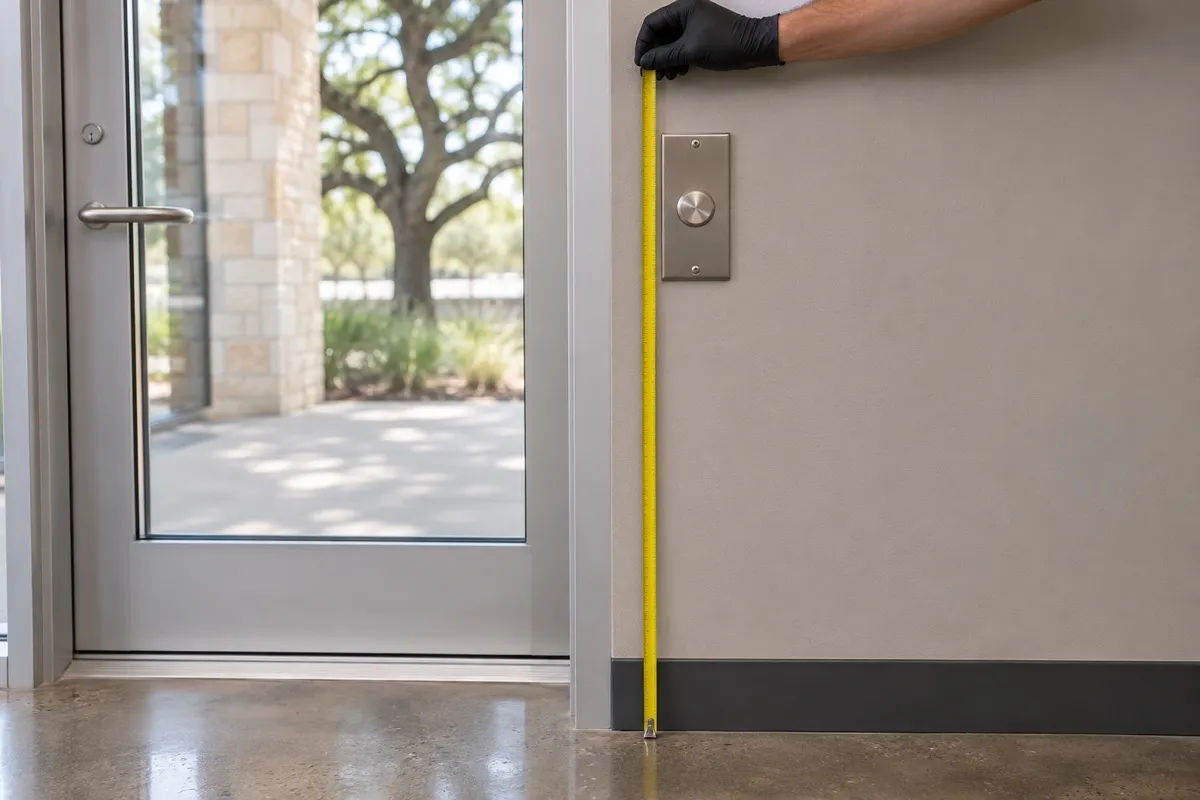
Fail Safe or Fail Secure, Decided Door by Door
Fail safe means the lock opens when power is cut, so power keeps it locked. Fail secure means the lock stays locked when power is cut, so power is needed to unlock it. Both terms describe the secure side of the door, and most products give free egress either way. A maglock holds the door only while it has power.
Lori Greene wrote the plain-language version in The Construction Specifier in 2018: most products provide free egress whether they are fail safe or fail secure. Electric strikes come in either mode. Per Greene, fail-secure strikes are used on fire-rated doors under NFPA 80, with rare exceptions, and fail-safe locks are used for stairwell re-entry so the door unlocks on alarm or power failure.
One mix-up is worth clearing up: the idea that fail secure means trapped. It does not. A fail-secure strike on a door with a lever or panic hardware that always lets you out is a normal arrangement.
Fail safe is also about power loss, not the building fire alarm. The fire alarm unlock rule belongs to sensor release and delayed egress doors, which the next two sections cover.
| Question | Fail safe | Fail secure |
|---|---|---|
| Power cut | Door unlocks | Door stays locked |
| Power needed to | Keep it locked | Unlock it |
| Free egress | Most products give free egress | Most products give free egress |
| Typical use per Lori Greene | Stairwell re-entry, unlock on alarm or power failure | Fire-rated doors, strikes per NFPA 80, rare exceptions |
| Magnetic lock | Holds only while powered, so unlocks on power loss | Not how a maglock works |
The flow below walks one door through the same questions. If one door answers yes to both of the first two, the chart cannot settle it, so take that door to the fire marshal.
Sensor Release: The Parts the Code Requires Around a Maglock
Sensor release is permitted on egress doors in any occupancy except Group H. Under Section 1010.2.11 of the 2024 IBC, the door needs an egress-side sensor, unlock on power loss, a PUSH TO EXIT device 40 to 48 inches up and within 5 feet that holds the lock open at least 30 seconds, fire alarm and sprinkler unlock, emergency lighting, and a UL 294 or UL 1034 listed lock.
The list in order, one requirement per line:
- A sensor on the egress side detects an occupant approaching and unlocks the door.
- The lock unlocks on a signal from the sensor or on loss of power to the sensor.
- Loss of power to the lock or locking system unlocks the lock.
- A PUSH TO EXIT device sits 40 to 48 inches above the floor and within 5 feet of the door, and the lock stays unlocked at least 30 seconds after it is pressed.
- Activation of the building fire alarm, where the building has one, unlocks the lock until the alarm is reset.
- Activation of the sprinkler or fire detection system, where the building has one, unlocks it until the alarm is reset.
- Emergency lighting covers the egress side of the door.
- The locking device is listed to UL 294 or UL 1034.
The diagram places the parts on one door. Its numbers are its own, not the list's, and it does not draw the emergency lighting or the listing.
The alternative is door hardware release in Section 1010.2.10. There the hardware has an obvious method of operation, works with one hand, interrupts power to the lock directly, and unlocks on loss of power.
Height needs care. The 2010 ADA Standards set a reach range of 15 inches minimum to 48 inches maximum in sections 308.2.1 for forward reach and 308.3.1 for side reach, with operable parts at 5 pounds of force or less and no tight grasping, pinching or twisting in section 309.4. See the 2010 ADA Standards. The IBC band of 40 to 48 inches for the PUSH TO EXIT device sits inside that reach range.
One more catch. According to Allegion's Lori Greene, the 2024 I-Codes limit doors with panic hardware to the door hardware release application. If that holds in your jurisdiction, the usual maglock plus sensor arrangement is not available on a door that must have panic hardware. I could not find that limit in the section text itself, so I treat it as her reading and confirm with the fire marshal.
Delayed Egress Is an Exception, Not a Feature to Request
Delayed egress is a narrow exception for listed occupancies, including Group B, and only in buildings sprinklered throughout or covered by an approved smoke or heat detection system. A push on the hardware for not more than 3 seconds starts an irreversible process that opens the door in not more than 15 seconds, or up to 30 seconds where approved. An audible signal and a sign are required.
In the 2024 IBC this is Section 1010.2.12. The delay must deactivate when the sprinkler or detection system activates and on loss of power. A sign above the exit hardware, within 12 inches of it, tells people what to expect. On a push door the text counts 15 or 30 seconds, depending on which applies. The lock is listed to UL 294 or UL 1034.
I do not promise this to a typical office. The fire marshal approves delayed egress, not the installer, and the approval is for a specific door in a specific building. Ask whether a plain sensor release does the job first. Where it does, nobody is left pushing on a door that will not yield.
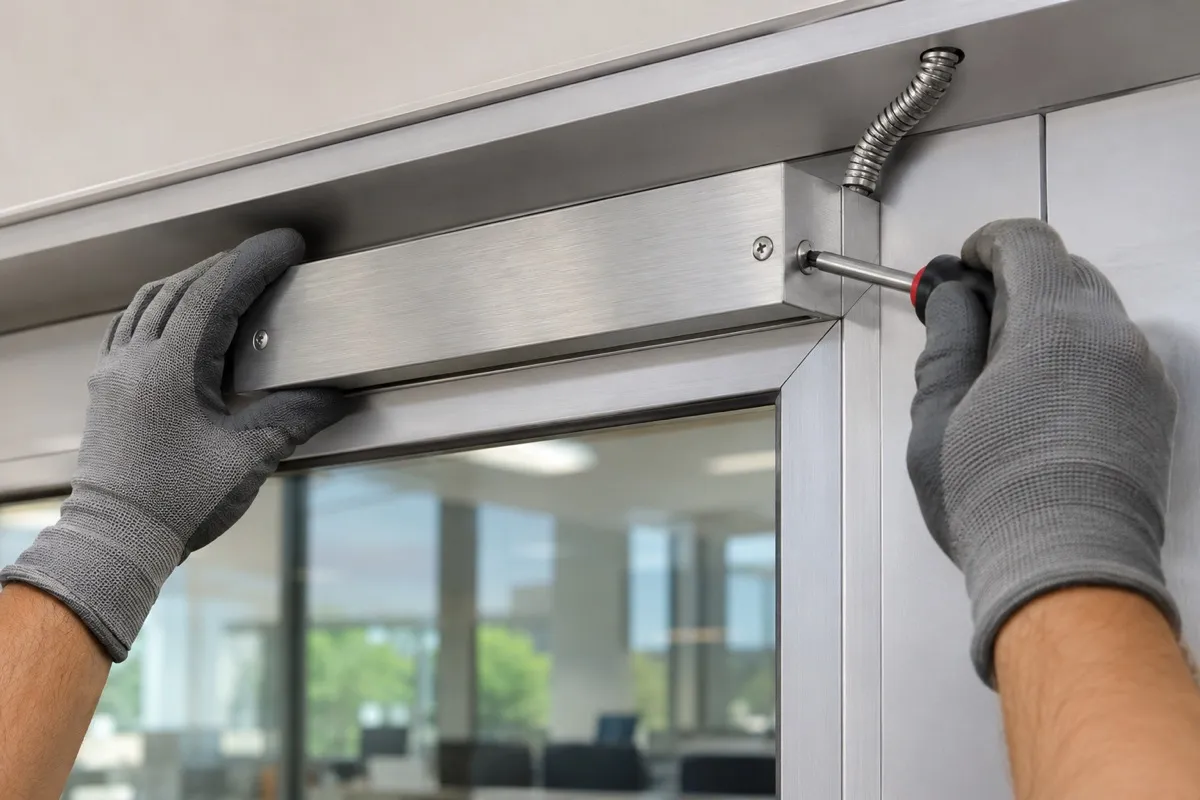
Who to Ask About Plan Submittals in Austin and Round Rock
Austin Fire Plan Review lists an Electrical Locking Systems and Access Control (ELS/ACON) plan submittal. Projects with an active permit or pending plan review submit through Development Services as an update or revision, and standalone systems in existing buildings go directly to Austin Fire, under a process revised August 4, 2025. Ask Austin Fire or Development Services which submittal route your project takes, because the city page does not set a door-count threshold.
Start with the city's own Austin Fire plan review page. The general line there is 512-974-0160, and the email is fireprevention@austintexas.gov. Our Austin locksmith team will send you to that page first, not to a rule of thumb.
In Round Rock, the fire marshal runs permits through the city portal, the city is on the 2024 IFC, and the office phone is 512-218-6628. Our Round Rock service area page covers where we work, and the fire marshal covers what your project needs.
Ask early. A submittal question settled before hardware is ordered avoids reworking hardware after it is on the wall.
UL 294, UL 1034 and BHMA Grades: Four Names, Four Jobs
UL 294 grades an access control unit in four levels across destructive attack, line security, endurance and standby power. The IBC names the lock's UL 294 or UL 1034 listing, not a level. BHMA grades such as A156.31 for strikes and A156.23 for maglocks rate durability and strength. UL 10C is the separate fire-door listing. Keep the four apart on every quote.
The code names the listing. It never names the level. A quote that says "UL 294 Level III required by code" has made that part up, and you should ask where it came from.
The four names, one job each:
- UL 294: the access control unit standard. UL describes four performance levels, from Level I (basic) to Level IV (high-security equipment). See UL's testing page.
- UL 1034: burglary alarm units, accepted by the 2024 IBC as an alternative listing for the locking device.
- BHMA grades: for A156.31 electric strikes, BHMA says a Grade 1 strike passes 500,000 cycles and a 1500 lb static load. For A156.23 maglocks, Grade 1 withstands one million cycles, with holding force rated from 500 lbf up.
- UL 10C, 10A and 10B: the fire-door listings, a separate matter from all of the above.
Standby power sits inside the UL 294 level. The code text I read states no battery duration for ordinary access control. If you specify a UL 294 level, standby power is part of that level, so ask which level and what hours.
The code names the listing. It never names the level.
Credentials and Reader Wiring That Will Not Lock You In
Specify smart credentials and an encrypted reader link, not whatever the cheapest reader accepts. 125 kHz proximity cards and fobs are easy to clone, and the weakness is using the card as the only factor. 13.56 MHz smart credentials with AES encryption are the common upgrade. OSDP, an open standard from the Security Industry Association approved internationally by the IEC, gives encrypted two-way reader communication, unlike Wiegand's one-way plain text.
Per Axis, OSDP Secure Channel uses AES-128 between reader and controller, and the two-way link lets the controller supervise the reader and detect tampering. RS-485 wiring reaches up to 4000 feet. Wiegand tops out at 500 feet of cable, and the controller cannot supervise the reader.
On the credential side, the 2018 SecurityInfoWatch report on cloning put it plainly: copying a 125 kHz card is easier and more convenient than ever. The problem is not the card alone. It is a door that trusts one card and nothing else.
Ask the installer in writing which credential format and which reader protocol are on the quote. An open protocol keeps a second company able to service the system later. A closed one can leave you calling the original installer for every change.
Reader placement is its own decision. Our page on card reader installation covers mounting, and mobile credentials covers phones as keys.
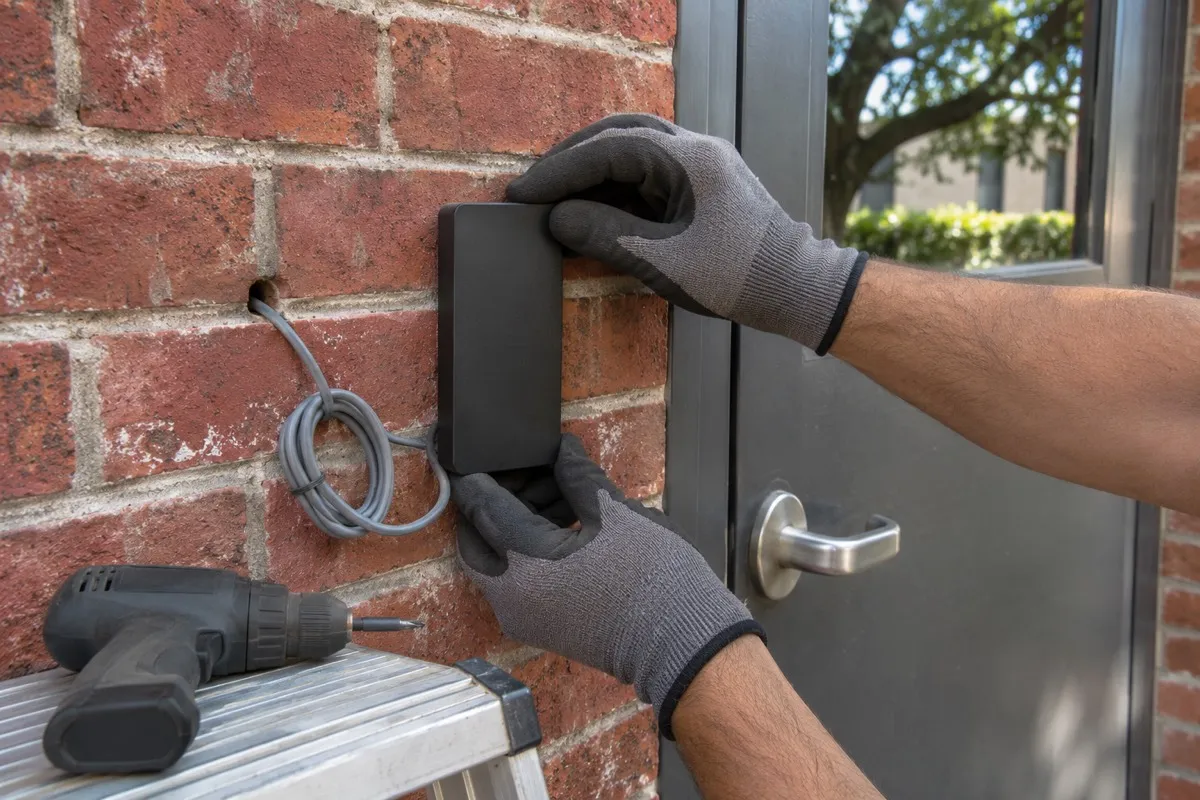
What the Scope of Work and the Quote Should Spell Out
A written access control scope lists every door, the lock mode, the release method, the listing, the credential format, the reader protocol and who submits plans. Pros On Call's estimate ranges are $500 to $2,000 for an access control system installation, $400 to $1,500 for keycard system setup and $1,000 to $3,000 for a biometric access system, with the final cost confirmed on site.
Those are estimates, and the pricing sits on our pricing page. I will not quote you a per-door number here, because a door with a sound frame and power nearby is not the same job as one needing new conduit.
On licensing, read the statute rather than a summary. Occupations Code Chapter 1702 defines an electronic access control device company in Section 1702.1055 as one that installs or maintains an electronic access control device, and an installer in Section 1702.2226 as an individual who installs, maintains, or repairs one. The definition in Section 1702.002 carves out mechanical locks, and a card reader or keypad used only to open a door and not connected to an alarm system. So do not assume every installation needs a DPS license.
To check any company, search the TOPS portal. Choose Search Licensees, pick individuals or businesses, and search by license number, name or zip code. No login is needed. Pros On Call holds Texas DPS Class B license #B19847. For vendor vetting beyond that, our commercial locksmith buyer guide has the checklist.
From Site Survey to Commissioning
An access control install runs in a fixed order: survey every door, confirm scope and any submittal, rough in the wiring, mount the hardware, program credentials, then test the release of every door against its code conditions before handover. The tests that matter are the push button, power loss and the fire alarm.
Each step has one job.
Survey every door
Door list, frame condition, lock side and existing power.
Confirm scope and submittal
A written scope and a question to Austin Fire or the Round Rock fire marshal.
Rough in the wiring
Cable to each door and a place for the controller.
Mount the hardware
Readers, locks, PUSH TO EXIT devices and sensors.
Program credentials
Door groups, schedules and the admin login.
Test every release
Push button, power cut and fire alarm unlock.
Here is what to check at the end on a sensor release door, drawn from its code conditions. Press the PUSH TO EXIT device and confirm the lock stays open at least 30 seconds. Cut power to the lock and confirm it unlocks. Trigger the fire alarm and confirm the lock unlocks until the alarm is reset. A door that skips one of those three is not finished.
Handover Day and the Year-End Credential Cleanup
At handover of an access control system, ask for the as-built door list, the admin login in your name, the listing information for every lock, and a test sign-off for each door. Then clean up credentials before year end by removing departed staff and former tenants. Mid November is when many businesses plan budgets and office changes, so it is a practical time.
The admin login is the one people forget. If it sits in the installer's name, you cannot remove a credential without calling them. Ask for it in yours.
A key nobody collected and a card nobody deactivated are the same hole. If your building still mixes mechanical keys with cards, our master key system guide covers the key side. A cloud-managed system lets an administrator remove a credential remotely, and cloud-managed access control explains how that works.
Questions Austin and Round Rock Owners Ask Before Signing
Do I need a permit to install access control in Austin?
Austin lists an ELS/ACON plan submittal for electrical locking systems and access control. Permitted projects send it through Development Services, and standalone systems in existing buildings go directly to Austin Fire, under a process revised August 4, 2025. The city page sets no door-count threshold, so ask Austin Fire which route applies before you order hardware.
Which building code applies to access control doors in Round Rock?
Round Rock lists the 2024 International Building Code and 2024 International Fire Code as currently adopted, with the 2024 IFC and its local amendments in effect January 1, 2026. Call the Round Rock fire marshal at 512-218-6628 for the amended text and to ask whether your project needs a submittal before you finalize the door schedule.
Can a magnetic lock be the only way out of a door?
A magnetic lock cannot be the only way out. Sensor release requires an egress-side sensor, unlock on power loss, a PUSH TO EXIT device 40 to 48 inches up and within 5 feet that holds the lock open at least 30 seconds, fire alarm and sprinkler or detection unlock, emergency lighting, and a UL 294 or UL 1034 listed lock.
What is the difference between fail safe and fail secure?
Fail safe means the lock opens when power is cut, so power keeps it locked. Fail secure means the lock stays locked when power is cut. Both terms describe the secure side of the door, and most products give free egress either way. A maglock holds the door only while it has power.
Does an access control installer need a license in Texas?
The answer depends on the device. Texas Occupations Code Chapter 1702 defines an electronic access control device company and installer, with a carve-out for a reader or keypad used only to open a door and not connected to an alarm system. Check any company on the DPS TOPS portal. Pros On Call holds Texas DPS Class B license #B19847.
Is UL 294 the same as a BHMA grade?
No. UL 294 grades an access control unit in four levels across destructive attack, line security, endurance and standby power. BHMA grades rate the durability and strength of the hardware. The IBC names the UL 294 or UL 1034 listing of the lock, not a level, so keep the two apart on every quote.
Are 125 kHz proximity cards still safe to use?
125 kHz proximity cards are easy to clone, so they are a weak choice as the only factor on a door that matters. A 2018 SecurityInfoWatch report described cheap readers and kiosks that copy them. 13.56 MHz smart credentials with AES encryption are the common upgrade, and the reader link matters as much as the card.
Book a Site Survey
The straight answer: decide the lock mode, the release method, the listing and the approving authority for every door, and put all four in writing. Pros On Call holds Texas DPS Class B license #B19847. To book a site survey, call (888) 601-6005 and we will start with your door list.